
Solutions
Ship client websites faster, and hand them over without a plugin pile.
Kaleta gives you a visual builder, a design system and Claude as a builder on every install – free and open source, with no per-site licences. Clients get a clean admin with only the sections they need.
What agencies need.
- A repeatable way to launch business sites for many clients
- Brand work that stays consistent when clients edit texts
- No yearly licences or add-on renewals per site
- A handover clients can actually live with
Recommended starter site
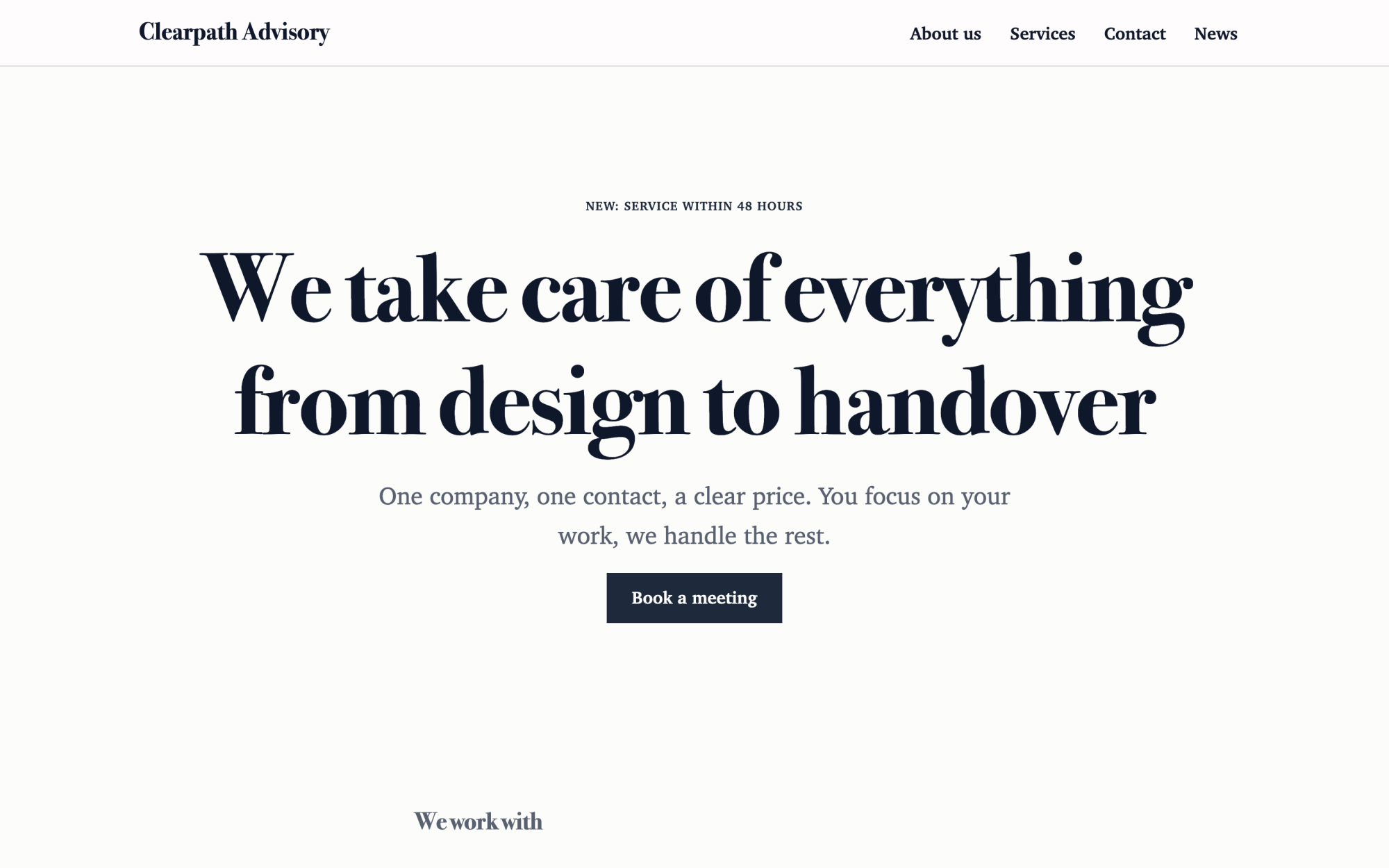
Consulting and agency
An elegant look, clients, service packages and the team.
What you get
Built in, not bolted on.
Everything below comes with Kaleta – no plugins, no add-on licences, tested together in every update.
- Starter sites – Home, About, Services and Contact from ready-made sections, instead of a blank page.
- A design system per brand – colours, fonts, spacing and typography styles as tokens; load them from Figma or Tokens Studio.
- Claude as a builder – pages, header, footer and collections from your brief, as drafts with a signed preview link for the client.
- Components – save a service card or a contact strip once and reuse it; an edit updates every place.
- Roles for clients – editor, news author or custom roles with only the sections you choose.
- Low maintenance – signed updates, security releases with automatic rollback and scheduled backups, also off-server.
Claude as a builder
Start with one sentence.
Connect Claude to your site and describe what you need. It builds the pages as drafts in your design system; you check the preview links and publish.
How Claude works with KaletaNew client: a dental clinic. Use the Business starter, their teal #0E6E6E and the texts from the brief. Build Home, Services, Team and Contact, with the team as a collection.
Done – the pages are saved as drafts in your design system. Here are the preview links.
Step by step
From install to launch.
- Install – upload Kaleta to the client’s hosting over FTP, in about ten minutes.
- Brand – pick a starter site, load the brand tokens and fine-tune colours and fonts.
- Build – build the pages yourself, or give Claude the sitemap and texts and review its drafts.
- Review – send the client a signed preview link; it needs no account and search engines ignore it.
- Hand over – publish, create the client’s account with the right role and leave them a site they can edit.
FAQ
Questions and answers.
What does Kaleta cost per client site?
Nothing. Kaleta is open source under GPL-2.0-or-later, with no paid tiers or per-site licences. You pay only for hosting and, if you use it, your own Claude plan.
Can I manage many sites from one dashboard?
No – each site is its own install with its own admin, database and updates. Claude can be connected to several sites at once, one connector per site.
Is there a white-label admin?
Not today. The public site carries only your client’s brand; the admin is Kaleta’s.
What if my clients are on WordPress or another system now?
Import their WordPress export with 301 redirects from every old address; sites on other systems are rebuilt with Claude. See the migration guides.
More solutions
Kaleta for other teams.
Build your next site on Kaleta.
Install it on a test subdomain and try a starter site – it takes about ten minutes.