
Solutions
A website for a craft or trade business that brings enquiries.
Joiners, builders, electricians, gardeners and workshops need a site that shows finished work, explains how a job goes and makes it easy to ask for a quote. The Crafts and services starter site does exactly that.
What crafts and trades need.
- Show finished projects with photos
- Explain how a job goes, step by step
- Collect enquiries with the details you need for a quote
- Be found locally, with opening hours and a map
Recommended starter site
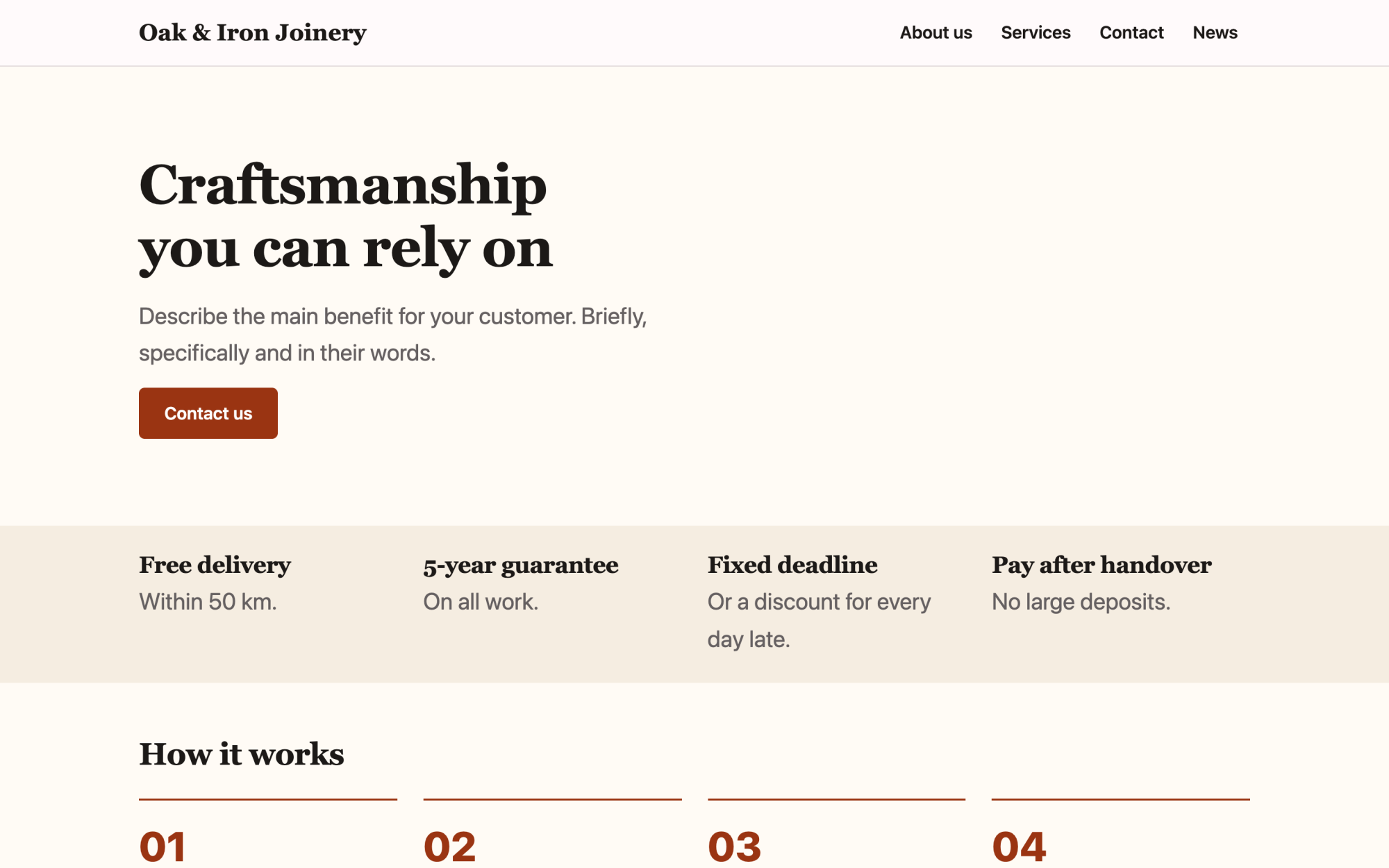
Crafts and services
Warm colours, how you work, finished projects and guarantees.
What you get
Built in, not bolted on.
Everything below comes with Kaleta – no plugins, no add-on licences, tested together in every update.
- References as a collection – add a finished job with photos in a minute; the list and detail pages update themselves.
- Enquiry form – with an inbox in the admin, e-mail notification and a webhook to your CRM.
- Company details – address, opening hours and map, sent to search engines as structured data.
- Galleries and carousels – show projects with galleries, carousels and tabs from the builder.
- Cookie-free statistics – see which pages bring enquiries without a cookie banner for analytics.
Claude as a builder
Start with one sentence.
Connect Claude to your site and describe what you need. It builds the pages as drafts in your design system; you check the preview links and publish.
How Claude works with KaletaWe are a joinery in Brno. Use the Crafts starter, our green #2F5D3A, and build Home, Services, References (as a collection) and a quote request form.
Done – the pages are saved as drafts in your design system. Here are the preview links.
Step by step
From install to launch.
- Install – choose the Crafts and services starter site in the installer.
- Company details – fill in the address, opening hours and map; they appear in the footer and for search engines.
- References – add a few finished jobs with photos.
- Enquiry form – set the fields you need for a quote and where enquiries go.
- Publish – check the pages on a phone and publish.
FAQ
Questions and answers.
Can customers attach photos to an enquiry?
Yes. The form element supports a file field; files are stored with the enquiry in the admin.
Can I show prices?
Yes – as a price list section, or as a collection field shown on each service.
Does it work on phones?
Yes. Every section has styles per screen size, and the starter sites are built for phones first.
More solutions
Kaleta for other teams.
Build your next site on Kaleta.
Install it on a test subdomain and try a starter site – it takes about ten minutes.