
Solutions
A farm website that shows what is on sale now, when the shop is open and how to find you.
A farm that sells its produce needs the products with an enquiry basket, a price list and events such as harvest days or markets, with the land, the produce, certification and deliveries stated clearly. The “Farm with a shop” blueprint sets this up; the Crafts and services starter site fits it best.
What farms with a farm shop need.
- What you grow and produce – visitors decide in seconds
- Your produce as products customers can ask for
- Products checked every half year – produce is seasonal
- The next market, harvest day or open day
- The farm shop opening hours
- The farm on the map – farms are hard to find without it
Recommended starter site
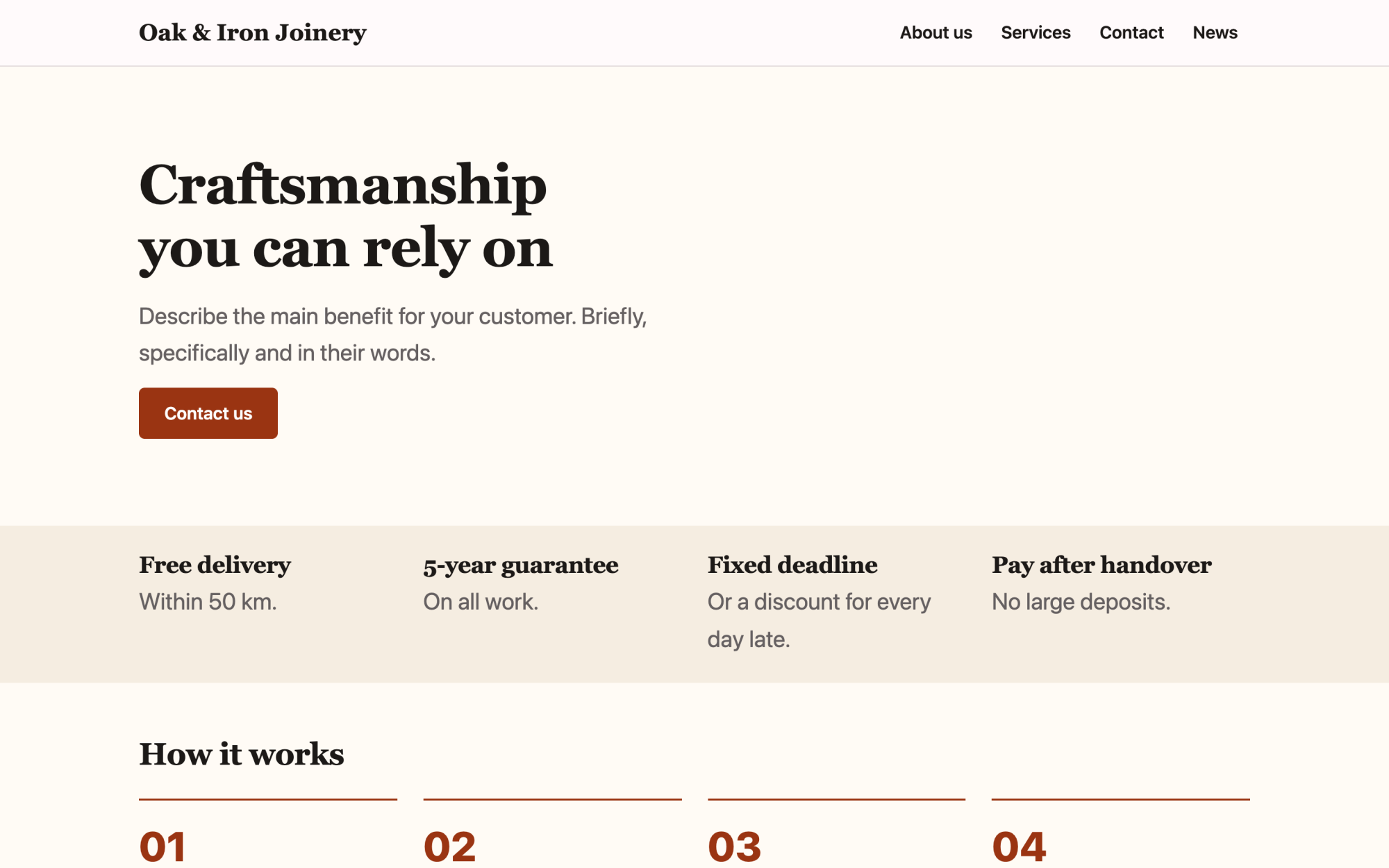
Crafts and services
Warm colours, how you work, finished projects and guarantees.
What you get
Built in, not bolted on.
Everything below comes with Kaleta – no paid plugins or licences, tested together in every update.
- Products – produce with parameters and variants; visitors collect them in an enquiry basket instead of a checkout.
- Events – markets, harvest days and open days with dates and place; past events archive themselves.
- Price list – rows with a price, a unit and a note, grouped by category with filter buttons.
- Facts, stated once – farming since, farm size in hectares, what we grow and produce, organic certification, where we deliver and pick your own.
Claude on staff
Start with one sentence.
Connect Claude to your site and describe what you need. It builds the pages as drafts in your design system; you check the preview links and publish. Later, your team can hand it requests.
How Claude works with KaletaWe run a family farm with a farm shop. Use the Crafts and services starter site, apply the Farm with a shop blueprint, ask me its questions and build Home, Products, Events and Contact as drafts.
Done – the pages are saved as drafts in your design system. Here are the preview links.
Step by step
From install to launch.
- Install – choose the Crafts and services starter site in the installer.
- Blueprint – apply the “Farm with a shop” blueprint in Business details → Blueprints, or ask Claude to apply it.
- Questions – answer the blueprint's questions; each answer is saved as a fact.
- Content – fill the new collections (products, events, price list); their list pages stay hidden until you publish them.
- Check and publish – work through the blueprint's checks in the site audit, then publish.
FAQ
Questions and answers.
How does Claude work on a farm site?
It puts the current produce, the opening hours and the map first and writes warmly but concretely about real fields, animals and seasons. It never calls anything organic, local, free-range or award-winning unless you confirm a certificate or a fact behind it, and never invents harvest figures, animal numbers, prices or quotes. Availability is marked on each product, and markets and open days go into events so past ones archive themselves.
What does applying the blueprint change?
It creates the collections above that the site does not have yet, each with a hidden list page, and the facts without values – your pages stay as they are. Its checks join the site audit and its instructions reach every Claude connection. If you remove it, the checks, questions and instructions go; the collections and facts stay.
More solutions
Kaleta for other teams.
Build your next site on Kaleta.
Install it on a test subdomain and try a starter site – it takes about ten minutes.