
Solutions
A practice website that answers patients' first questions calmly.
A doctor's, dental or physiotherapy practice needs the team, the services, a price list and patients' questions on the site, with insurers, new patients and appointments stated clearly. The “Healthcare practice” blueprint sets this up; the Business website starter site fits it best.
What healthcare practices need.
- The health insurers you have contracts with – patients check this first
- Whether you are accepting new patients
- Surgery hours
- The doctors and staff – patients want to know who will treat them
- A price list for services not covered by insurance, checked at least once a year
- A privacy policy page saying how patient data is processed
Recommended starter site
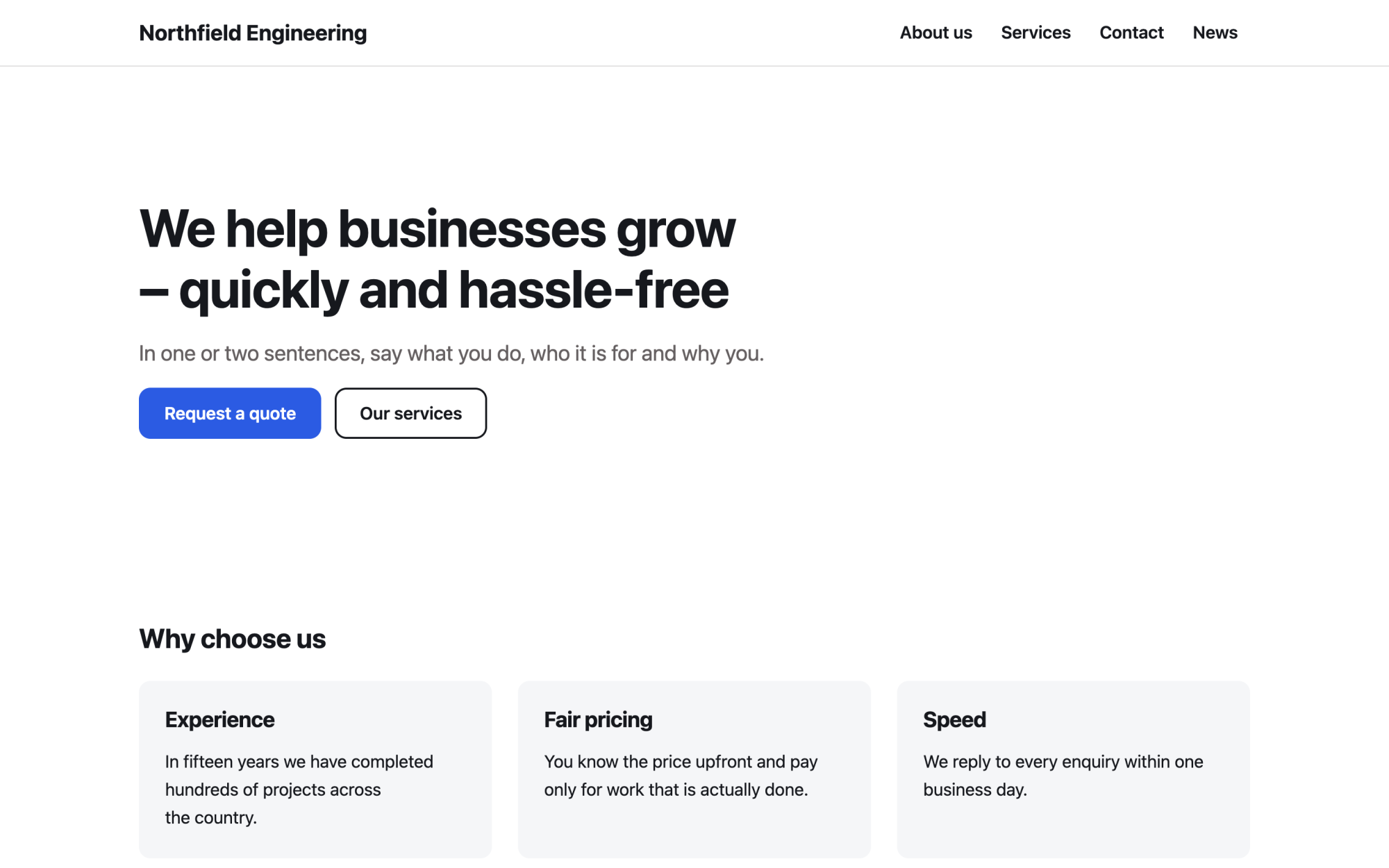
Business website
A versatile services site: benefits, numbers, testimonials and news.
What you get
Built in, not bolted on.
Everything below comes with Kaleta – no paid plugins or licences, tested together in every update.
- Team – photo, role, languages, contacts, absence and a page for each person; the page of someone who left leads to the team page.
- Services – a page for each service with a summary, an image and a description.
- Price list – rows with a price, a unit and a note, grouped by category with filter buttons.
- Questions and answers – grouped by category and kept in one place for the FAQ page and any page that needs them.
- Facts, stated once – health insurers accepted, accepting new patients, online appointment booking, contact outside surgery hours, specialisations, languages spoken and practice open since.
Claude on staff
Start with one sentence.
Connect Claude to your site and describe what you need. It builds the pages as drafts in your design system; you check the preview links and publish. Later, your team can hand it requests.
How Claude works with KaletaWe run a physiotherapy practice. Use the Business website starter site, apply the Healthcare practice blueprint, ask me its questions and build Home, Team, Services, Price list and Contact as drafts.
Done – the pages are saved as drafts in your design system. Here are the preview links.
Step by step
From install to launch.
- Install – choose the Business website starter site in the installer.
- Blueprint – apply the “Healthcare practice” blueprint in Business details → Blueprints, or ask Claude to apply it.
- Questions – answer the blueprint's questions; each answer is saved as a fact.
- Content – fill the new collections (team, services, price list, questions and answers); their list pages stay hidden until you publish them.
- Check and publish – work through the blueprint's checks in the site audit, then publish.
FAQ
Questions and answers.
How does Claude work on a practice site?
It puts the insurers, new patients, surgery hours and booking first and writes calmly and plainly. It never gives medical advice, diagnoses or promises outcomes, and never invents doctors, qualifications, insurers, prices or patient reviews. Forms ask only for what an appointment needs, and where health or data-protection rules may apply, it says they should be checked rather than stating them as law.
What does applying the blueprint change?
It creates the collections above that the site does not have yet, each with a hidden list page, and the facts without values – your pages stay as they are. Its checks join the site audit and its instructions reach every Claude connection. If you remove it, the checks, questions and instructions go; the collections and facts stay.
More solutions
Kaleta for other teams.
Build your next site on Kaleta.
Install it on a test subdomain and try a starter site – it takes about ten minutes.