
Solutions
A website for direct bookings: the rooms, the price from and the house rules.
A hotel, guesthouse, holiday flat or cottage needs a page for each room, extra services such as breakfast, wellness or transfers, events and guests' questions, with check-in and check-out, booking, pets, parking, breakfast, the city tax and cancellation stated clearly. The “Hotel, guesthouse or holiday rental” blueprint sets this up; the Business website starter site fits it best.
What hotels, guesthouses and holiday rentals need.
- The rooms or apartments with real photos, how many guests they take and a price from
- Rooms checked at least once a year: prices from, price notes and amenities
- Check-in times – guests plan their journey by them
- The cancellation policy – guests look for it before they book directly
- The address, for navigation and the map
Recommended starter site
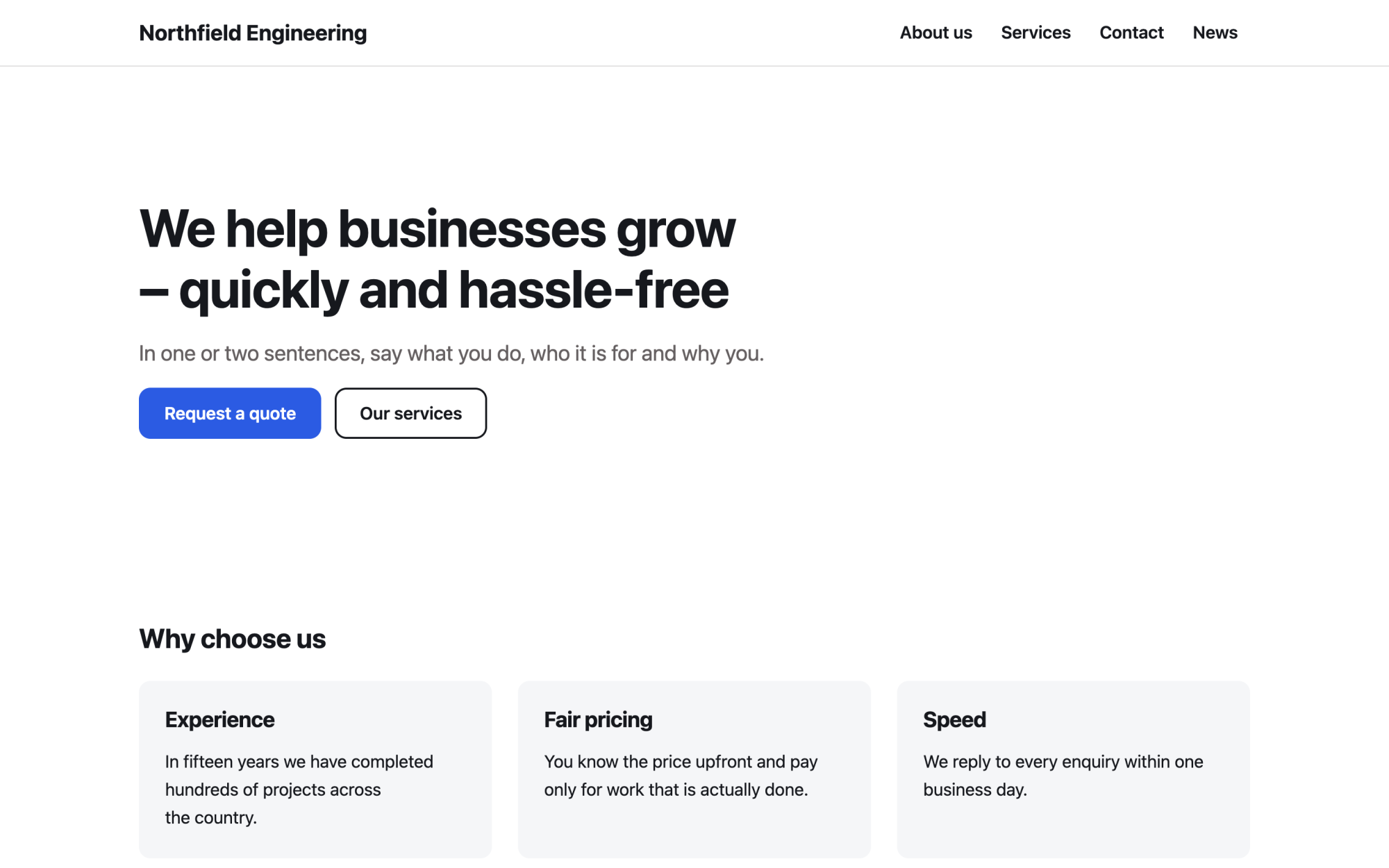
Business website
A versatile services site: benefits, numbers, testimonials and news.
What you get
Built in, not bolted on.
Everything below comes with Kaleta – no paid plugins or licences, tested together in every update.
- Rooms and accommodation – a page for each room, apartment or cottage with a photo, how many guests it takes, the beds, the size, the price per night from, the amenities and a booking link.
- Services – extras such as breakfast, wellness or transfers, each with its own page.
- Events – dates, place, registration with a capacity and iCal; past events archive themselves.
- Questions and answers – grouped by category and kept in one place for the FAQ page and any page that needs them.
- Facts, stated once – online booking, check-in, check-out, pets, parking, breakfast, city or tourist tax and cancellation policy.
Claude on staff
Start with one sentence.
Connect Claude to your site and describe what you need. It builds the pages as drafts in your design system; you check the preview links and publish. Later, your team can hand it requests.
How Claude works with KaletaWe run a guesthouse with six rooms. Use the Business website starter site, apply the Hotel, guesthouse or holiday rental blueprint, ask me its questions and build Home, Rooms, Services and Contact as drafts.
Done – the pages are saved as drafts in your design system. Here are the preview links.
Step by step
From install to launch.
- Install – choose the Business website starter site in the installer.
- Blueprint – apply the “Hotel, guesthouse or holiday rental” blueprint in Business details → Blueprints, or ask Claude to apply it.
- Questions – answer the blueprint's questions; each answer is saved as a fact.
- Content – fill the new collections (rooms, services, events, questions and answers); their list pages stay hidden until you publish them.
- Check and publish – work through the blueprint's checks in the site audit, then publish.
FAQ
Questions and answers.
How does Claude work on an accommodation site?
It makes each room type one item with real photos, and every Book button leads to your booking link or the contact page. Kaleta has no availability calendar, prices per date or payments, so Claude never promises free rooms, instant confirmation or a best-price guarantee. Check-in, pets, parking, the city tax and cancellation stay facts so every page says the same, and it never invents prices, star ratings, reviews, distances or amenities.
What does applying the blueprint change?
It creates the collections above that the site does not have yet, each with a hidden list page, and the facts without values – your pages stay as they are. Its checks join the site audit and its instructions reach every Claude connection. If you remove it, the checks, questions and instructions go; the collections and facts stay.
More solutions
Kaleta for other teams.
Build your next site on Kaleta.
Install it on a test subdomain and try a starter site – it takes about ten minutes.