
Solutions
An agency website that shows the work first.
An agency or studio needs its own site as a showcase: services, case studies, the team, clients' questions and job openings, with the focus, team size, where and in which languages you work, the usual budget and awards stated clearly. The “Marketing, web or design agency” blueprint sets this up; the Consulting and agency starter site fits it best.
What marketing, web and design agencies need.
- At least three case studies, published only with the client's agreement
- The services, each with what the client gets and how you work
- The team – clients want to know who they will work with
- One sentence on what the agency specialises in
- A privacy policy page – the contact form and job applications collect personal data
Recommended starter site
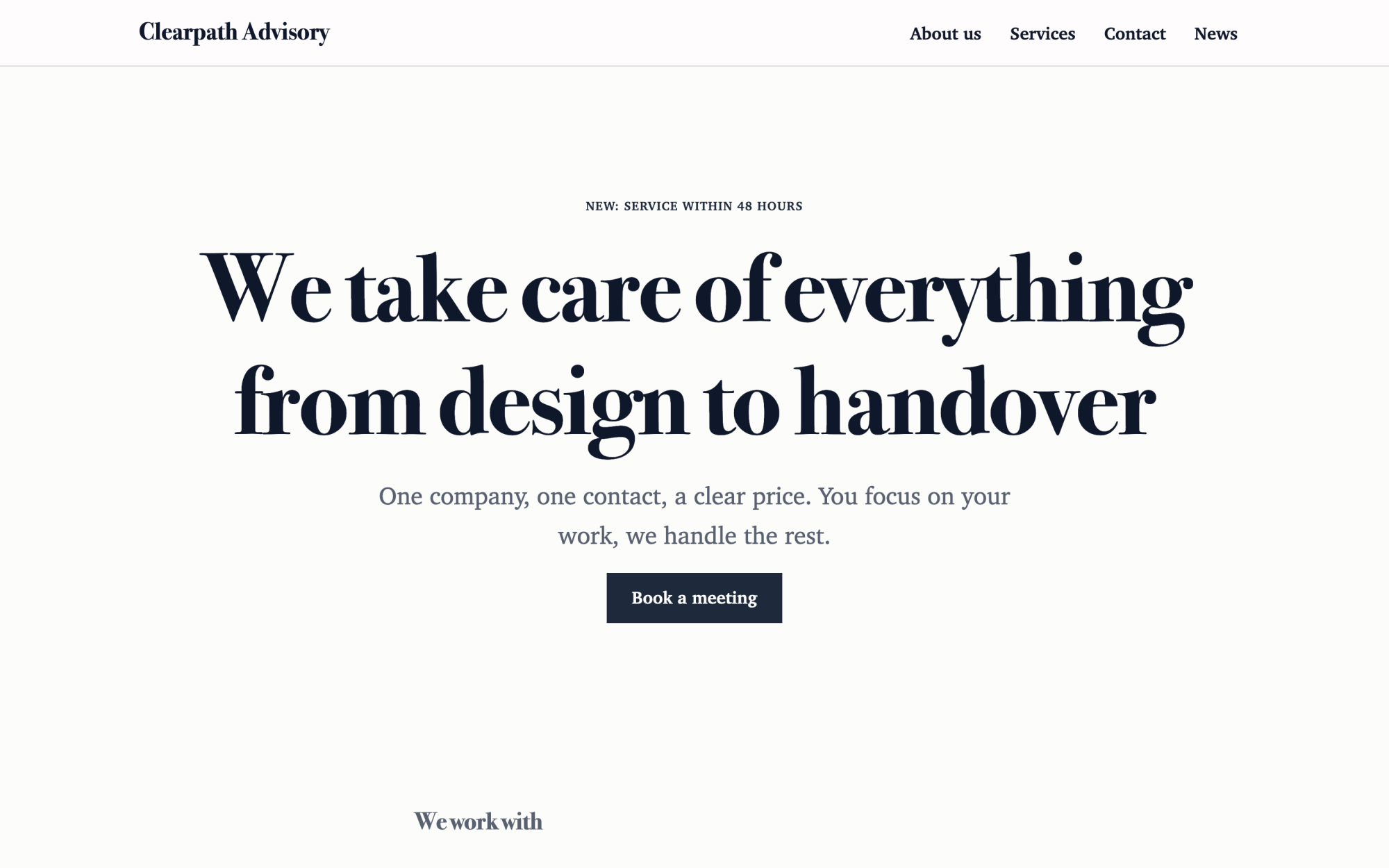
Consulting and agency
An elegant look, clients, service packages and the team.
What you get
Built in, not bolted on.
Everything below comes with Kaleta – no paid plugins or licences, tested together in every update.
- Services – a page for each service with a summary, an image, a description and a price from.
- References – case studies with the client, an image, a quote, the result and the year, each with its own page.
- Team – photo, role, languages, contacts and a page for each person.
- Questions and answers – grouped by category and kept in one place for the FAQ page and any page that needs them.
- Job openings – an application form with a CV on each job page; a job hides itself after its closing date.
- Facts, stated once – what we specialise in, founded, team size, where our clients are, languages we work in, projects from and awards.
Claude on staff
Start with one sentence.
Connect Claude to your site and describe what you need. It builds the pages as drafts in your design system; you check the preview links and publish. Later, your team can hand it requests.
How Claude works with KaletaWe are a small branding studio. Use the Consulting and agency starter site, apply the Marketing, web or design agency blueprint, ask me its questions and build Home, Work, Services, Team and Careers as drafts.
Done – the pages are saved as drafts in your design system. Here are the preview links.
Step by step
From install to launch.
- Install – choose the Consulting and agency starter site in the installer.
- Blueprint – apply the “Marketing, web or design agency” blueprint in Business details → Blueprints, or ask Claude to apply it.
- Questions – answer the blueprint's questions; each answer is saved as a fact.
- Content – fill the new collections (services, references, team, questions and answers, job openings); their list pages stay hidden until you publish them.
- Check and publish – work through the blueprint's checks in the site audit, then publish.
FAQ
Questions and answers.
How does Claude work on an agency site?
It lets the case studies lead, each telling the brief, what the agency did and the result as the client confirms it, and describes services as what the client gets, in plain words rather than buzzwords. It never invents clients, logos, projects, results, quotes, awards or team members, publishes a client's name or logo only with consent, and gives every job opening a closing date so it hides itself.
Is this about running client sites?
No – this page is about the agency's own website. For building and running many client sites with the fleet console, see Kaleta for agencies.
What does applying the blueprint change?
It creates the collections above that the site does not have yet, each with a hidden list page, and the facts without values – your pages stay as they are. Its checks join the site audit and its instructions reach every Claude connection. If you remove it, the checks, questions and instructions go; the collections and facts stay.
More solutions
Kaleta for other teams.
Build your next site on Kaleta.
Install it on a test subdomain and try a starter site – it takes about ten minutes.