
Solutions
A municipal website with the notice board, office hours and forms first.
A village or town office needs the official notice board with its archive, documents such as regulations and forms, events, the council and staff, and residents' questions, with the mayor, population and office contacts stated clearly. The “Municipality” blueprint sets this up; the Business website starter site fits it best.
What municipalities need.
- The current official notices on the notice board – usually required by law; check what yours says
- A notice board that stays current – two months without a new notice triggers a reminder
- Regulations, forms and the budget as documents to download
- The name of the mayor
- Office hours
- An accessibility statement – public bodies usually need one
Recommended starter site
Business website
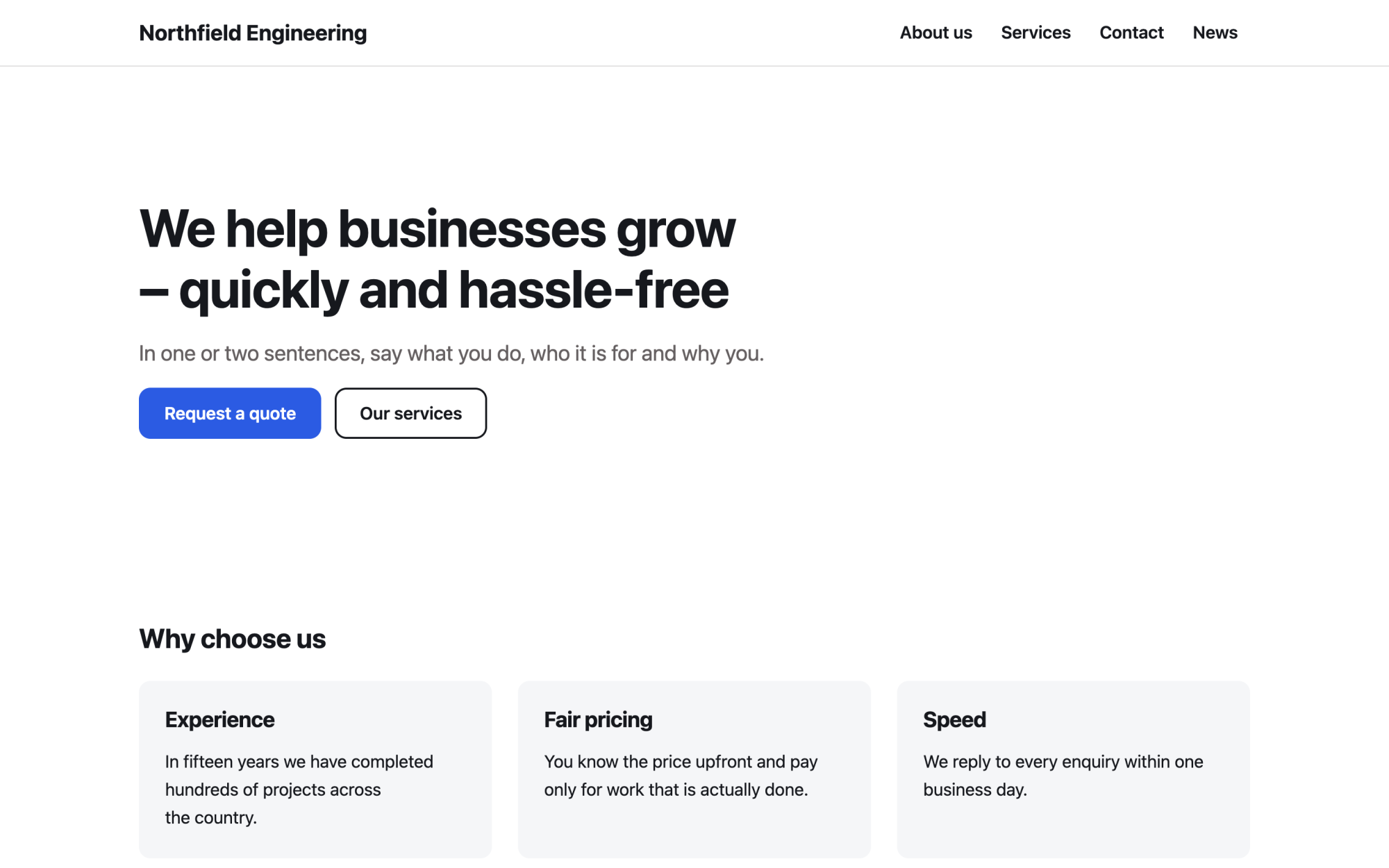
A versatile services site: benefits, numbers, testimonials and news.
What you get
Built in, not bolted on.
Everything below comes with Kaleta – no paid plugins or licences, tested together in every update.
- Official notice board – posting and takedown dates, reference number, issuer, category, document and summary; the archive keeps what was taken down, notices are never deleted and every change is logged.
- Documents – regulations, forms and the budget with versions and a stable download address.
- Events – dates, place, repetition, registration and iCal; past events archive themselves.
- Team – the council and staff with role, contacts and a page for each person.
- Questions and answers – residents' questions, grouped by category.
- Facts, stated once – mayor, population, area in hectares, e-mail of the filing office, electronic mailbox ID (data box), first written mention and council meetings.
Claude on staff
Start with one sentence.
Connect Claude to your site and describe what you need. It builds the pages as drafts in your design system; you check the preview links and publish. Later, your team can hand it requests.
How Claude works with KaletaWe are a village office. Use the Business website starter site, apply the Municipality blueprint, ask me its questions and build Home, Notice board, Documents, Events, Council and Contact as drafts.
Done – the pages are saved as drafts in your design system. Here are the preview links.
Step by step
From install to launch.
- Install – choose the Business website starter site in the installer.
- Blueprint – apply the “Municipality” blueprint in Business details → Blueprints, or ask Claude to apply it.
- Questions – answer the blueprint's questions; each answer is saved as a fact.
- Content – fill the new collections (notice board, documents, events, team, questions and answers); their list pages stay hidden until you publish them.
- Check and publish – work through the blueprint's checks in the site audit, then publish.
FAQ
Questions and answers.
How does Claude work on a municipal site?
It puts the notice board, office hours and contacts, forms and regulations, news and events on the home page, before history and photos. Every notice goes into the notice board with its posting and takedown dates and is never deleted or hidden once posted. It writes in plain, neutral official language with proper headings, descriptive links and alt texts, never invents population figures, history, officials, meeting dates or budgets, and says legal duties should be checked with the office.
What does applying the blueprint change?
It creates the collections above that the site does not have yet, each with a hidden list page, and the facts without values – your pages stay as they are. Its checks join the site audit and its instructions reach every Claude connection. If you remove it, the checks, questions and instructions go; the collections and facts stay.
More solutions
Kaleta for other teams.
Build your next site on Kaleta.
Install it on a test subdomain and try a starter site – it takes about ten minutes.