
Solutions
A website that shows what you do, who runs it and how to join, help or give.
A charity, association, foundation or sports or hobby club needs events, documents such as the statutes and annual reports, the board and contacts and members' questions, with the legal form, registration, donations, the membership fee and volunteering stated clearly. The “Non-profit, association or club” blueprint sets this up; the Business website starter site fits it best.
What non-profits, associations and clubs need.
- The statutes and the latest annual report as documents
- A new annual report once a year – the audit notices when no document has changed for over a year
- The board and the contact people
- Where the organisation is registered
- A contact e-mail for people who want to join or help
Recommended starter site
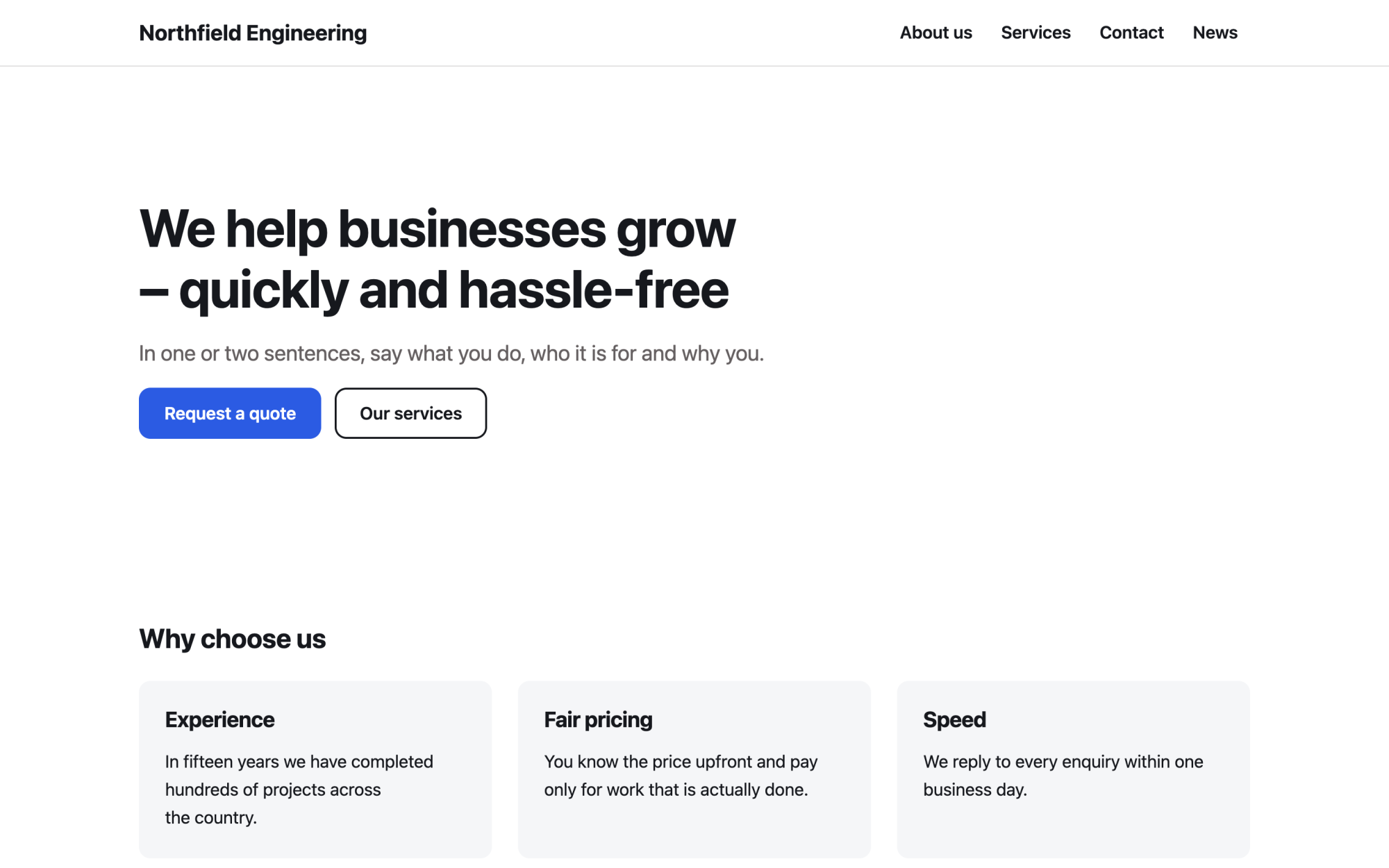
Business website
A versatile services site: benefits, numbers, testimonials and news.
What you get
Built in, not bolted on.
Everything below comes with Kaleta – no paid plugins or licences, tested together in every update.
- Events – dates, place, repetition, registration with a capacity and iCal; past events archive themselves.
- Documents – statutes, annual reports and minutes with versions and a stable download address.
- Team – the board and contact people with role, contacts and a page for each person.
- Questions and answers – members' questions, grouped by category.
- Facts, stated once – legal form, registration, founded in, where we work, donate online, bank account for donations, membership fee and volunteering contact.
Claude on staff
Start with one sentence.
Connect Claude to your site and describe what you need. It builds the pages as drafts in your design system; you check the preview links and publish. Later, your team can hand it requests.
How Claude works with KaletaWe are a youth football club. Use the Business website starter site, apply the Non-profit, association or club blueprint, ask me its questions and build Home, Events, Documents, Board and Join us as drafts.
Done – the pages are saved as drafts in your design system. Here are the preview links.
Step by step
From install to launch.
- Install – choose the Business website starter site in the installer.
- Blueprint – apply the “Non-profit, association or club” blueprint in Business details → Blueprints, or ask Claude to apply it.
- Questions – answer the blueprint's questions; each answer is saved as a fact.
- Content – fill the new collections (events, documents, team, questions and answers); their list pages stay hidden until you publish them.
- Check and publish – work through the blueprint's checks in the site audit, then publish.
FAQ
Questions and answers.
How does Claude work on a non-profit site?
It puts the mission in plain words, the next events and clear ways to join, volunteer and donate on the home page. It never invents impact figures, members, partners, grants, awards or testimonials, does not call donations tax-deductible unless you confirm it, and lets the donate button lead to your donation link – Kaleta takes no payments. Photos of people, children above all, appear only with consent.
What does applying the blueprint change?
It creates the collections above that the site does not have yet, each with a hidden list page, and the facts without values – your pages stay as they are. Its checks join the site audit and its instructions reach every Claude connection. If you remove it, the checks, questions and instructions go; the collections and facts stay.
More solutions
Kaleta for other teams.
Build your next site on Kaleta.
Install it on a test subdomain and try a starter site – it takes about ten minutes.