
Solutions
A restaurant website that answers what, when, how much and where in seconds.
A restaurant, café, bistro or bar needs its food and drink menu, events such as tastings or live music and guests' questions, with table reservations, the cuisine, the price range, outdoor seating, takeaway and dietary options stated clearly. The “Restaurant, café or bar” blueprint sets this up; the Business website starter site fits it best.
What restaurants, cafés and bars need.
- The menu as dishes with prices – a photo or PDF is hard to read on a phone
- A menu checked every half year: dishes, prices and allergens
- Opening hours – guests check them before anything else
- The address, for navigation and the map
- What kind of food you serve
- Whether guests in a wheelchair or with a pram can get in
Recommended starter site
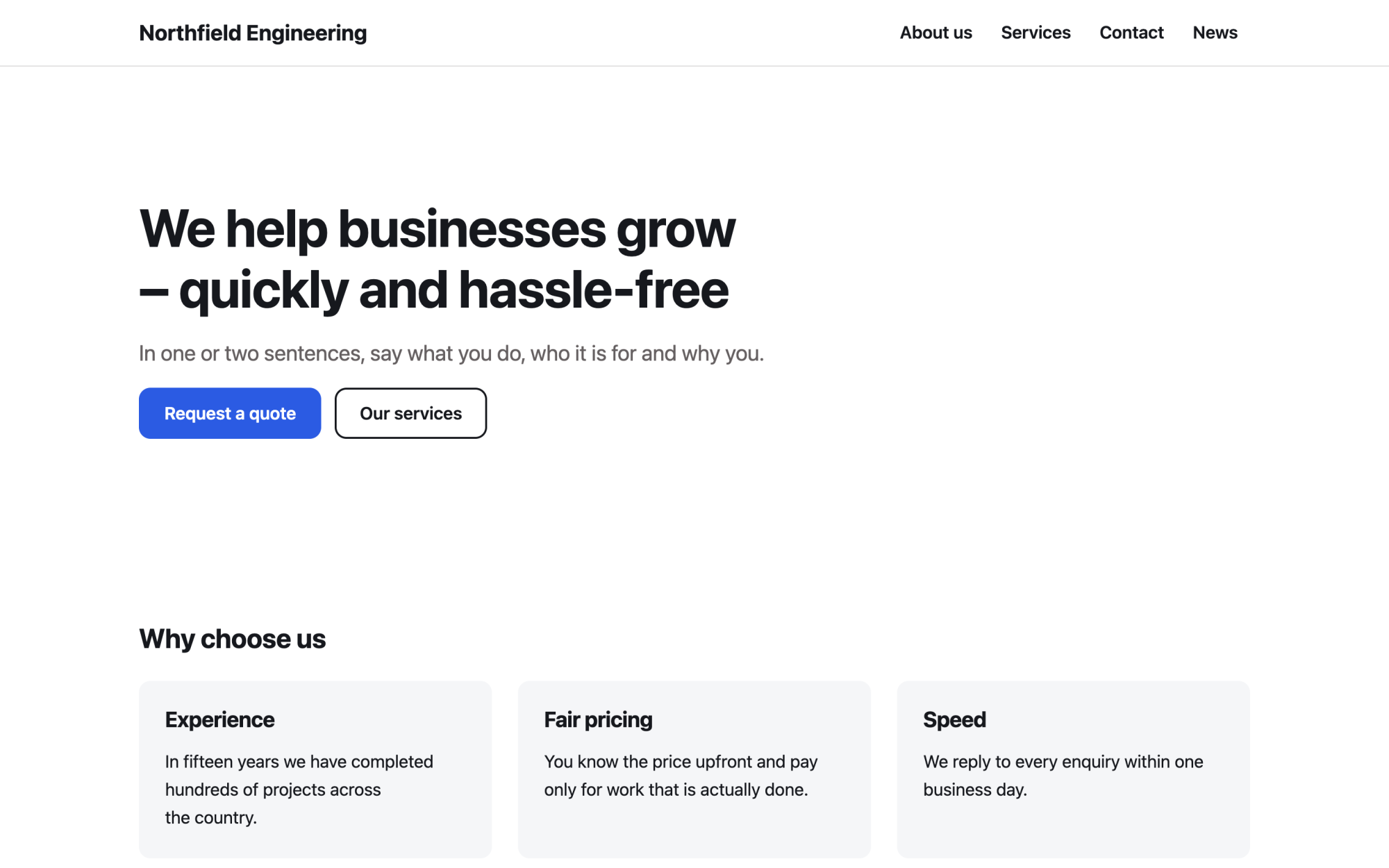
Business website
A versatile services site: benefits, numbers, testimonials and news.
What you get
Built in, not bolted on.
Everything below comes with Kaleta – no paid plugins or licences, tested together in every update.
- Food and drink menu – dishes and drinks with a description, price, portion, allergens and diet labels, grouped by section with filter buttons.
- Events – tastings or live music with dates, registration with a capacity and iCal; past events archive themselves.
- Questions and answers – grouped by category and kept in one place for the FAQ page and any page that needs them.
- Facts, stated once – online table reservation, cuisine, price range, terrace or outdoor seating, step-free access, takeaway and delivery, dietary options and private events and group bookings.
Claude on staff
Start with one sentence.
Connect Claude to your site and describe what you need. It builds the pages as drafts in your design system; you check the preview links and publish. Later, your team can hand it requests.
How Claude works with KaletaWe run a bistro. Use the Business website starter site, apply the Restaurant, café or bar blueprint, ask me its questions and build Home, Menu, Events and Contact as drafts.
Done – the pages are saved as drafts in your design system. Here are the preview links.
Step by step
From install to launch.
- Install – choose the Business website starter site in the installer.
- Blueprint – apply the “Restaurant, café or bar” blueprint in Business details → Blueprints, or ask Claude to apply it.
- Questions – answer the blueprint's questions; each answer is saved as a fact.
- Content – fill the new collections (menu, events, questions and answers); their list pages stay hidden until you publish them.
- Check and publish – work through the blueprint's checks in the site audit, then publish.
FAQ
Questions and answers.
How does Claude work on a restaurant site?
It puts the opening hours, the menu, a reservation button and the address at the top; the button leads to your reservation link or your phone. The menu stays a collection, never only a photo or PDF – dishes that are off are hidden, not deleted, and prices change only when you give them. It never guesses allergens, ingredients or diet labels, never invents dishes, chefs, awards or reviews, and avoids empty superlatives.
What does applying the blueprint change?
It creates the collections above that the site does not have yet, each with a hidden list page, and the facts without values – your pages stay as they are. Its checks join the site audit and its instructions reach every Claude connection. If you remove it, the checks, questions and instructions go; the collections and facts stay.
More solutions
Kaleta for other teams.
Build your next site on Kaleta.
Install it on a test subdomain and try a starter site – it takes about ten minutes.