
Solutions
A shop website that says what you sell, whether you are open and how to get there.
A brick-and-mortar shop or showroom needs its products with an enquiry basket instead of a checkout, in-store events and customers' questions, with payment, parking, reserve and collect, returns, delivery and the brands carried stated clearly. The “Shop or showroom” blueprint sets this up; the Business website starter site fits it best.
What shops and showrooms need.
- Your products, or at least the main ranges
- Products checked at least once a year: range, prices and availability
- Opening hours – customers check them before they set off
- The shop's address, for navigation and the map
- How customers can pay in the shop
Recommended starter site
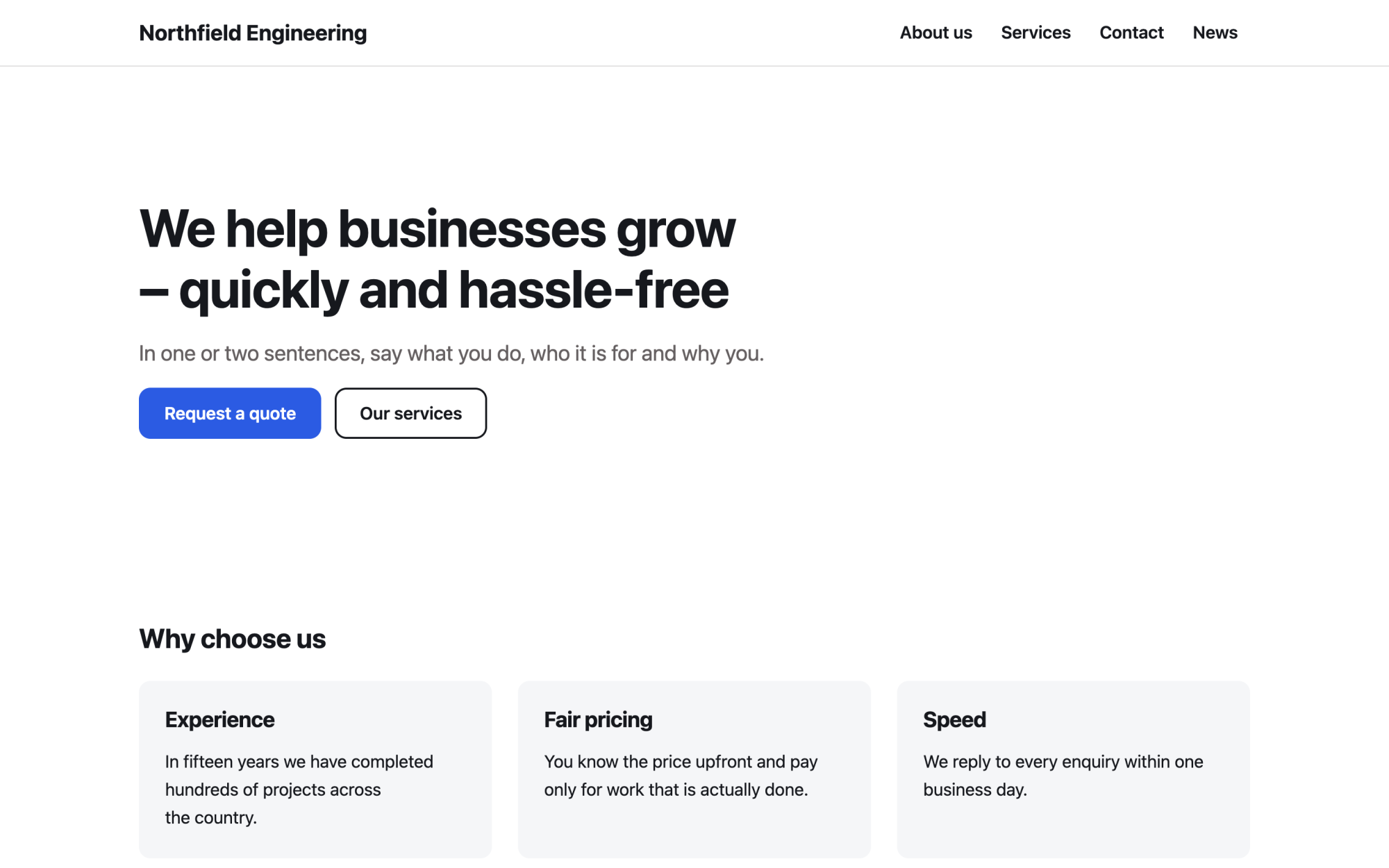
Business website
A versatile services site: benefits, numbers, testimonials and news.
What you get
Built in, not bolted on.
Everything below comes with Kaleta – no paid plugins or licences, tested together in every update.
- Products – parameters to compare, variants and a datasheet; visitors collect them in an enquiry basket instead of a checkout.
- Events – in-store events with dates, registration with a capacity and iCal; past events archive themselves.
- Questions and answers – grouped by category and kept in one place for the FAQ page and any page that needs them.
- Facts, stated once – brands we carry, payment in store, reserve and collect, returns and exchanges, delivery and installation, parking, step-free access and in business since.
Claude on staff
Start with one sentence.
Connect Claude to your site and describe what you need. It builds the pages as drafts in your design system; you check the preview links and publish. Later, your team can hand it requests.
How Claude works with KaletaWe run a furniture showroom. Use the Business website starter site, apply the Shop or showroom blueprint, ask me its questions and build Home, Products, Events and Contact as drafts.
Done – the pages are saved as drafts in your design system. Here are the preview links.
Step by step
From install to launch.
- Install – choose the Business website starter site in the installer.
- Blueprint – apply the “Shop or showroom” blueprint in Business details → Blueprints, or ask Claude to apply it.
- Questions – answer the blueprint's questions; each answer is saved as a fact.
- Content – fill the new collections (products, events, questions and answers); their list pages stay hidden until you publish them.
- Check and publish – work through the blueprint's checks in the site audit, then publish.
FAQ
Questions and answers.
How does Claude work on a shop site?
It puts the opening hours, the address, the main ranges and the brands at the top. The site has no checkout and no stock levels, so the basket is called an enquiry or a reservation, never an order, and availability is stated only as you give it. It never invents products, prices, discounts, brands, dealer status or reviews, and consumer rights are written as you state them, to be checked against local law. A shop with more stores adds the Branches collection.
What does applying the blueprint change?
It creates the collections above that the site does not have yet, each with a hidden list page, and the facts without values – your pages stay as they are. Its checks join the site audit and its instructions reach every Claude connection. If you remove it, the checks, questions and instructions go; the collections and facts stay.
More solutions
Kaleta for other teams.
Build your next site on Kaleta.
Install it on a test subdomain and try a starter site – it takes about ten minutes.