
Solutions
A product website with a clear path to the plans, the trial and help.
A software product or online service needs pricing plans, features, customer stories, questions, documentation and terms to download and job openings, with the free trial, data hosting, uptime, integrations, support and security stated clearly. The “Software / SaaS company” blueprint sets this up; the Consulting and agency starter site fits it best.
What software and SaaS companies need.
- Pricing plans with what each includes
- Plans checked at least once a year against the product
- Where customer data is hosted
- How and when customers reach support
- Published terms of service
- A privacy policy – the service processes your customers' data
Recommended starter site
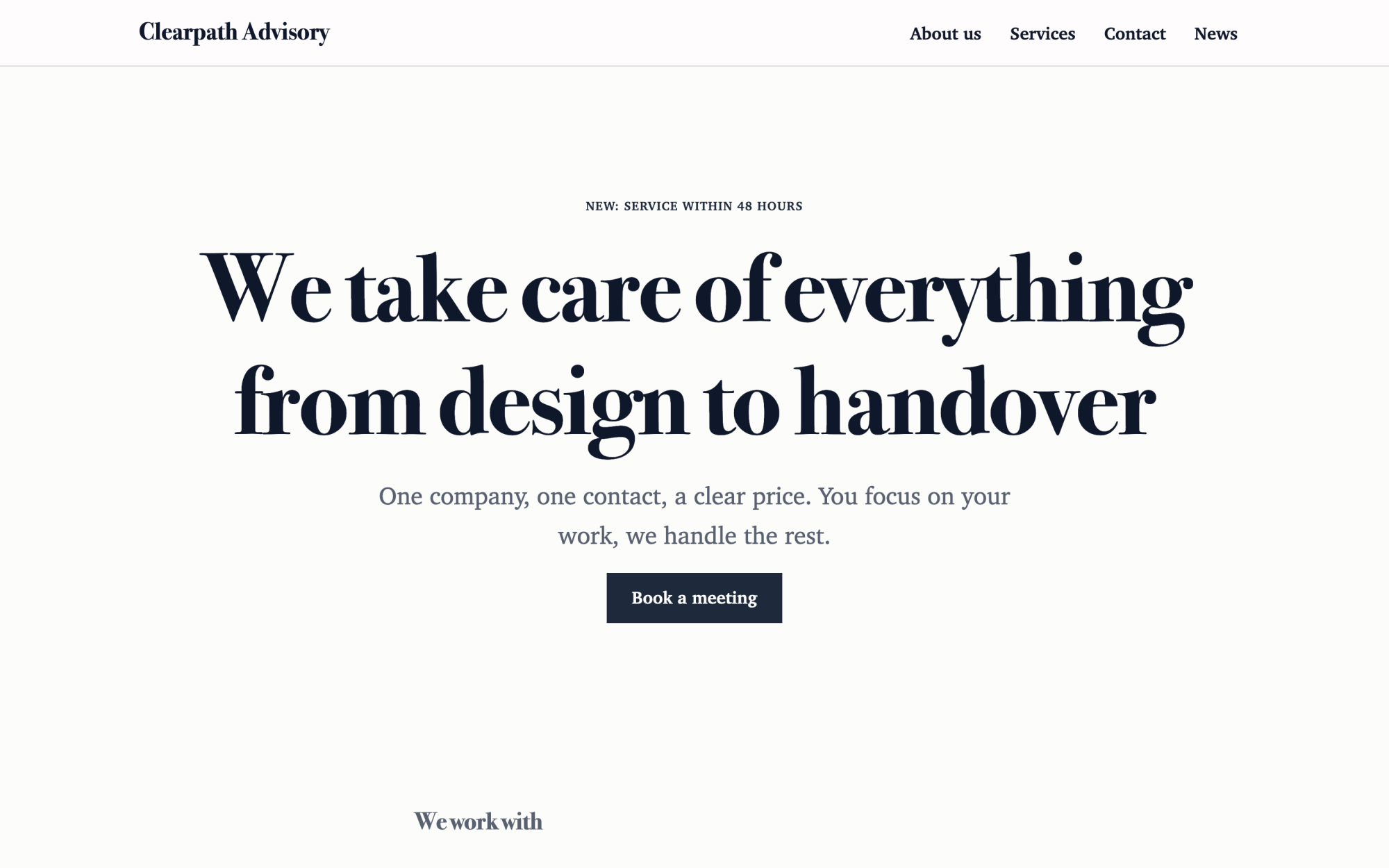
Consulting and agency
An elegant look, clients, service packages and the team.
What you get
Built in, not bolted on.
Everything below comes with Kaleta – no paid plugins or licences, tested together in every update.
- Pricing plans – plans side by side with the price and its period, who each is for, what it includes and a button; one can be marked as recommended.
- Services as features – one item per feature, described as what the user can do.
- References – customer stories, each with its own page and the customer's consent.
- Questions and answers – grouped by category and kept in one place for the FAQ page and any page that needs them.
- Documents – documentation, terms and the privacy policy with versions and a stable download address.
- Job openings – an application form with a CV on each job page; a job hides itself after its closing date.
- Facts, stated once – free trial, where customer data is hosted, uptime commitment (SLA), integrations, support channels and hours, status page and security certifications.
Claude on staff
Start with one sentence.
Connect Claude to your site and describe what you need. It builds the pages as drafts in your design system; you check the preview links and publish. Later, your team can hand it requests.
How Claude works with KaletaWe make a scheduling app for clinics. Use the Consulting and agency starter site, apply the Software / SaaS company blueprint, ask me its questions and build Home, Features, Pricing, Customers, Docs and Careers as drafts.
Done – the pages are saved as drafts in your design system. Here are the preview links.
Step by step
From install to launch.
- Install – choose the Consulting and agency starter site in the installer.
- Blueprint – apply the “Software / SaaS company” blueprint in Business details → Blueprints, or ask Claude to apply it.
- Questions – answer the blueprint's questions; each answer is saved as a fact.
- Content – fill the new collections (pricing plans, services, references, questions and answers, documents, job openings); their list pages stay hidden until you publish them.
- Check and publish – work through the blueprint's checks in the site audit, then publish.
FAQ
Questions and answers.
How does Claude work on a software site?
It leads with the problem the product solves and a clear path to the plans and the trial, keeps the trial, hosting, uptime, support and integrations as facts, and writes each feature as what the user can do – without buzzwords. It never invents customers, logos, testimonials, user counts, uptime figures, integrations, prices or security claims; a certification appears only when you confirm it is held and current, and customer stories need the customer's consent.
What does applying the blueprint change?
It creates the collections above that the site does not have yet, each with a hidden list page, and the facts without values – your pages stay as they are. Its checks join the site audit and its instructions reach every Claude connection. If you remove it, the checks, questions and instructions go; the collections and facts stay.
More solutions
Kaleta for other teams.
Build your next site on Kaleta.
Install it on a test subdomain and try a starter site – it takes about ten minutes.