
Solutions
An IT provider website that says what you look after, how fast you react and whom to call.
Managed IT for businesses needs services, support packages, references and clients' questions on the site, with the area served, support hours, response times, the emergency line, remote support and the systems you look after stated clearly. The “IT services and support” blueprint sets this up; the Consulting and agency starter site fits it best.
What IT service providers need.
- Your response time – businesses compare IT providers by it
- Where you come on site
- Support packages with what each covers
- The services, each with what it includes
- A phone number – when the IT stops, clients call
- A privacy policy page – you work with clients' systems and data
Recommended starter site
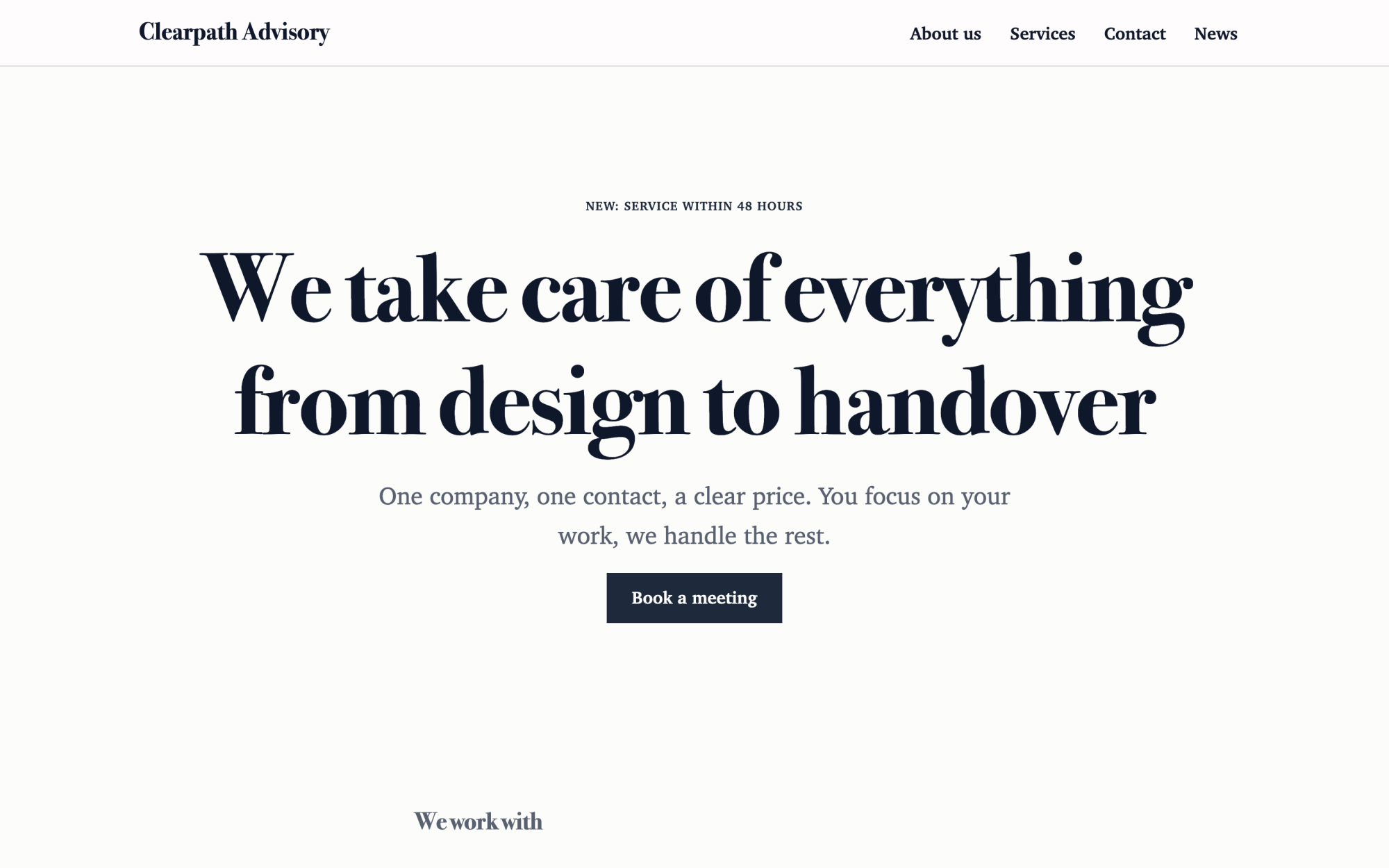
Consulting and agency
An elegant look, clients, service packages and the team.
What you get
Built in, not bolted on.
Everything below comes with Kaleta – no paid plugins or licences, tested together in every update.
- Services – a page for each service with a summary, an image, a description and a price from.
- Pricing plans – support packages side by side with the price and its period, what each covers and a button.
- References – case studies with the client, the result and the year, each with its own page.
- Questions and answers – grouped by category and kept in one place for the FAQ page and any page that needs them.
- Facts, stated once – area we serve on site, support hours, response time, emergency line, remote support tool, systems we support, vendor partnerships and certifications and in business since.
Claude on staff
Start with one sentence.
Connect Claude to your site and describe what you need. It builds the pages as drafts in your design system; you check the preview links and publish. Later, your team can hand it requests.
How Claude works with KaletaWe look after IT for small offices. Use the Consulting and agency starter site, apply the IT services and support blueprint, ask me its questions and build Home, Services, Support plans, References and Contact as drafts.
Done – the pages are saved as drafts in your design system. Here are the preview links.
Step by step
From install to launch.
- Install – choose the Consulting and agency starter site in the installer.
- Blueprint – apply the “IT services and support” blueprint in Business details → Blueprints, or ask Claude to apply it.
- Questions – answer the blueprint's questions; each answer is saved as a fact.
- Content – fill the new collections (services, pricing plans, references, questions and answers); their list pages stay hidden until you publish them.
- Check and publish – work through the blueprint's checks in the site audit, then publish.
FAQ
Questions and answers.
How does Claude work on an IT provider's site?
It puts the support packages, response time, support hours and the emergency line near the top and keeps them as facts, so they read the same as in your contracts. Packages use the same wording of what is covered, “on request” where the price depends on the number of devices. It writes calmly, without fear-based selling, never invents response times, uptime, partner levels, certifications or clients, and never promises “100 % secure”.
What does applying the blueprint change?
It creates the collections above that the site does not have yet, each with a hidden list page, and the facts without values – your pages stay as they are. Its checks join the site audit and its instructions reach every Claude connection. If you remove it, the checks, questions and instructions go; the collections and facts stay.
More solutions
Kaleta for other teams.
Build your next site on Kaleta.
Install it on a test subdomain and try a starter site – it takes about ten minutes.