
Collections and search
Site search.
The Search element finds pages, collection item pages and news – regardless of accents and letter case, with a snippet of the matching text.
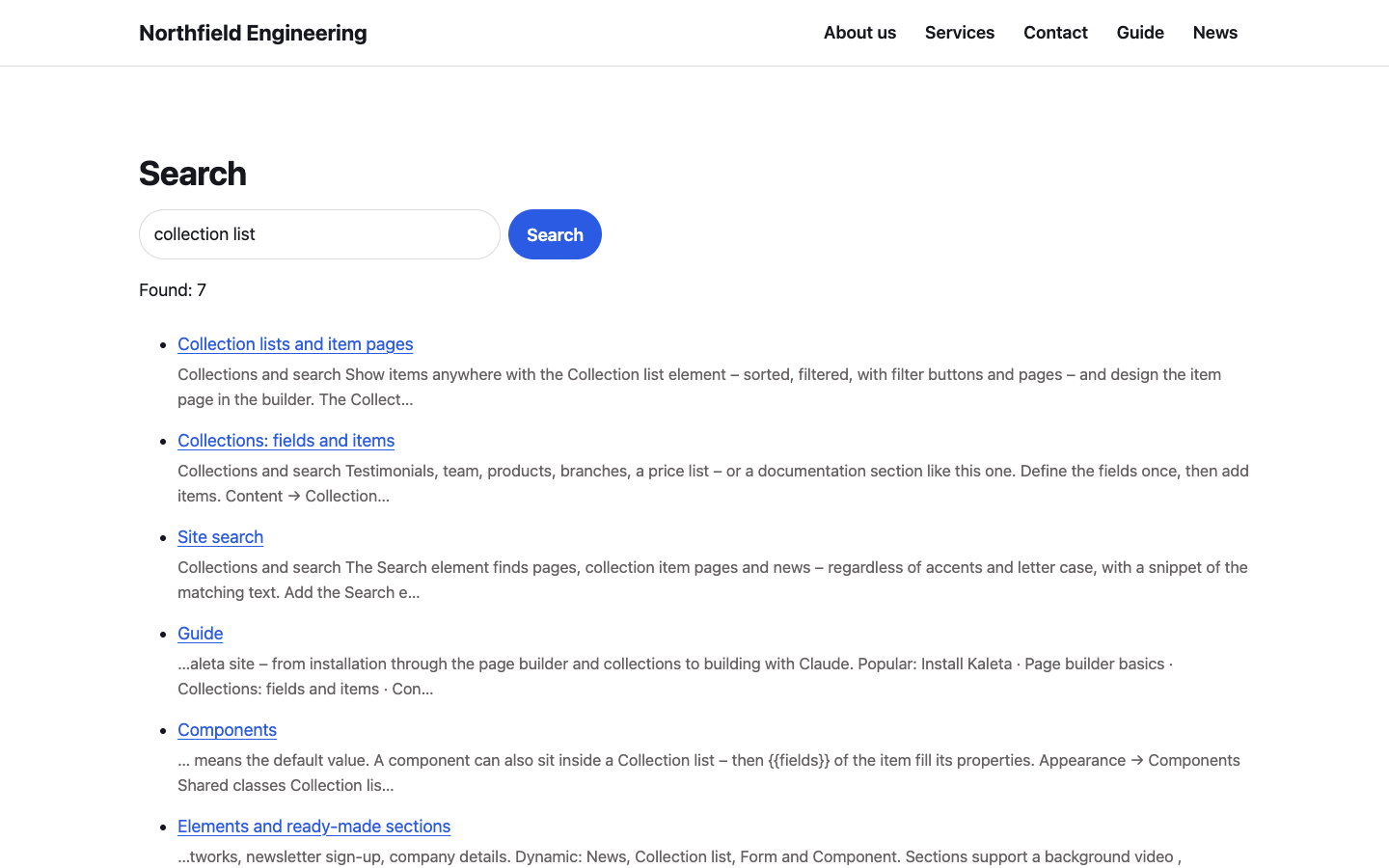
Search results with pages and guide articles
Add the Search element anywhere – into the header, onto the 404 page or next to a list. Set the placeholder text and the button label in the Content panel.
What it finds
- Pages that are visible and not hidden from search engines.
- Collection items of collections with item pages – their name and their text fields (images and plain links are skipped).
- News, when the News extension is on.
The query needs at least 3 characters and every word of it has to match. Accents and letter case do not matter: cafe finds Café. Results are ranked – a match in the title comes first, then more matches in the text – and each page or item shows a short snippet around the first match. Up to 20 of them are listed, followed by matching news.
Good to know
- The results page is not indexed by search engines.
- To protect the server, one visitor can search at most 30 times a minute.
- An item is found only if its collection has item pages – otherwise there is nowhere to send the visitor.