
News, forms and company
News: the company blog.
Categories, tags, scheduled publishing, version history and a trash – with SEO that takes care of itself.
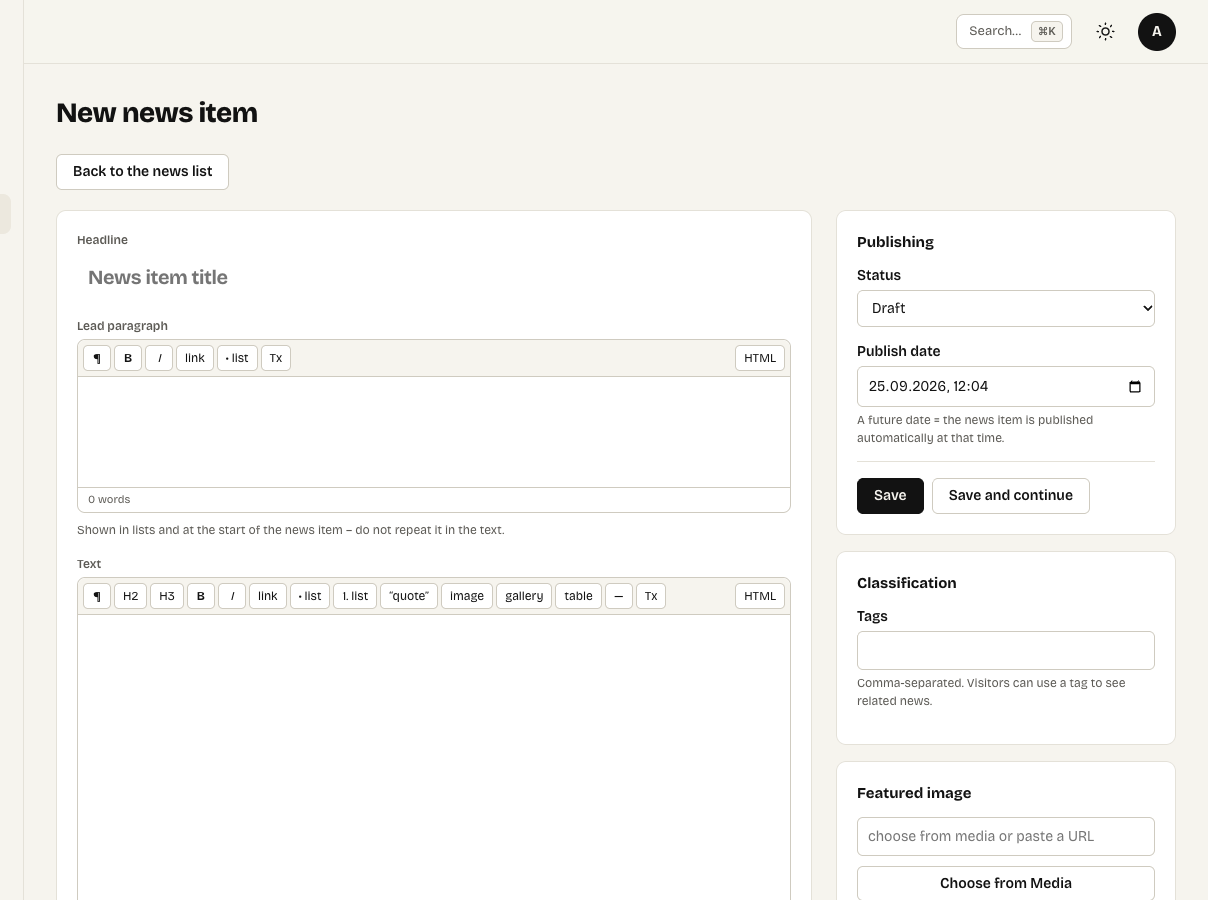
Writing a news item
Content → News is the company blog. Switch it on under Extensions.
Writing
- A news item is a draft until you publish it; publishing can be scheduled for later.
- Categories and tags group the news; a news item takes its language from its category.
- Version history keeps the last 20 versions and compares any two.
- What you type is kept on the server as you write, so a lost connection does not lose text.
- A broken link check finds links that no longer work.
- The AI assistant suggests headlines, the intro, SEO description and tags, proofreads and translates.
Deleted news goes to the trash for 30 days.
On the site
The News element puts the latest news on any page. The news list and each news item can get their own sections through wrappers. RSS and a JSON feed are generated automatically; optionally, each item is also available as plain Markdown for AI search (Settings → SEO and GEO).
News authors write only their own news and publish only with the publishing permission – see Users and roles.