
Design system
Components.
Save a block you use in several places as a component. Edit it once and every page follows; properties let each use differ.
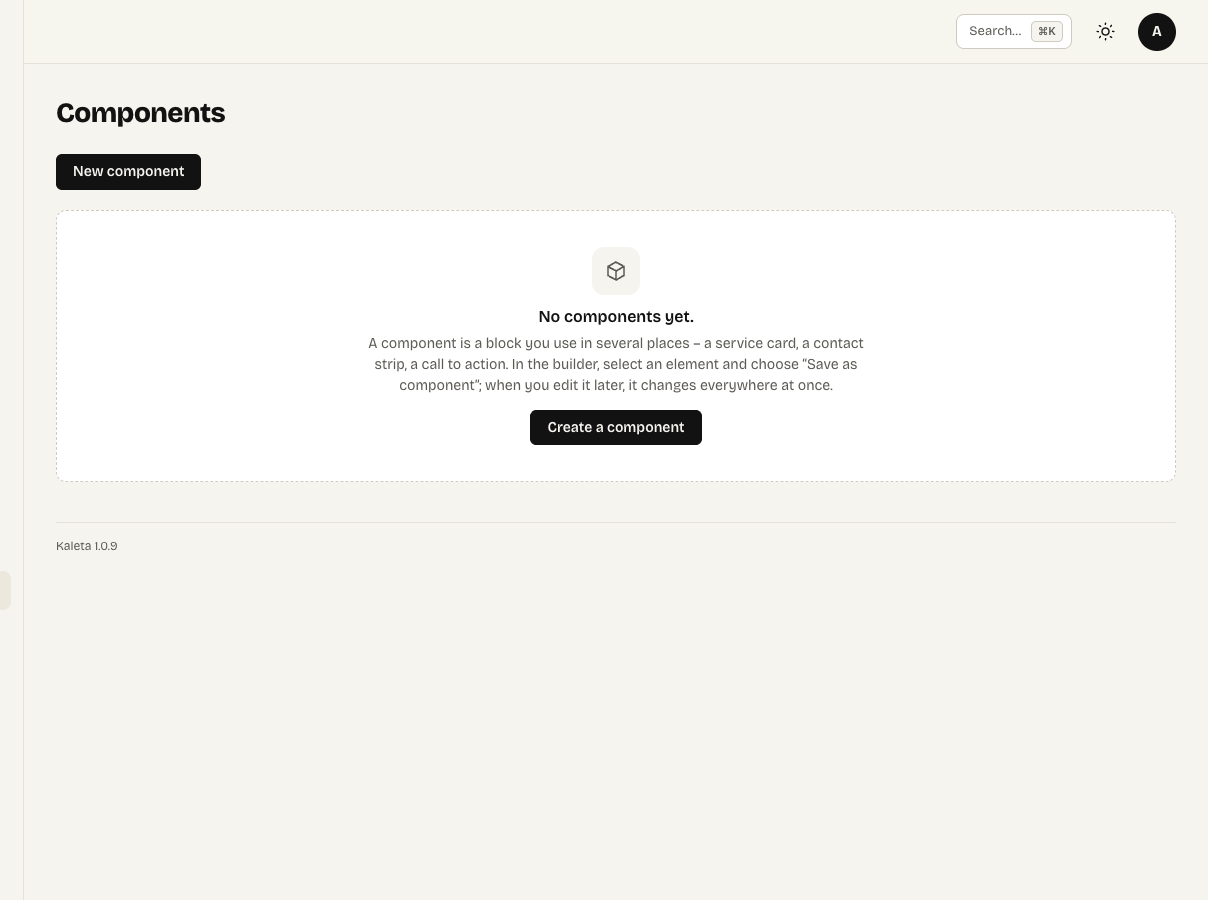
Appearance → Components
Save a block you use in several places – a service card, a contact strip – as a component: select it in the builder, open More actions in the panel header and choose Save as component.
Editing
Edit components in Appearance → Components. After publishing, the change applies on every page that uses the component.
Properties
Whatever should differ between uses, set as properties (for example Heading, Link) and put them into the component with a tag such as {{heading}}. For each use, fill in the values in the Content panel; an empty field means the default value.
A component can also sit inside a Collection list – then {{fields}} of the item fill its properties.