
Header, footer and menus
Header, footer and wrappers.
Build the header and footer in the builder, add variants for selected pages, and wrap the news item, news list and 404 page in your own sections.
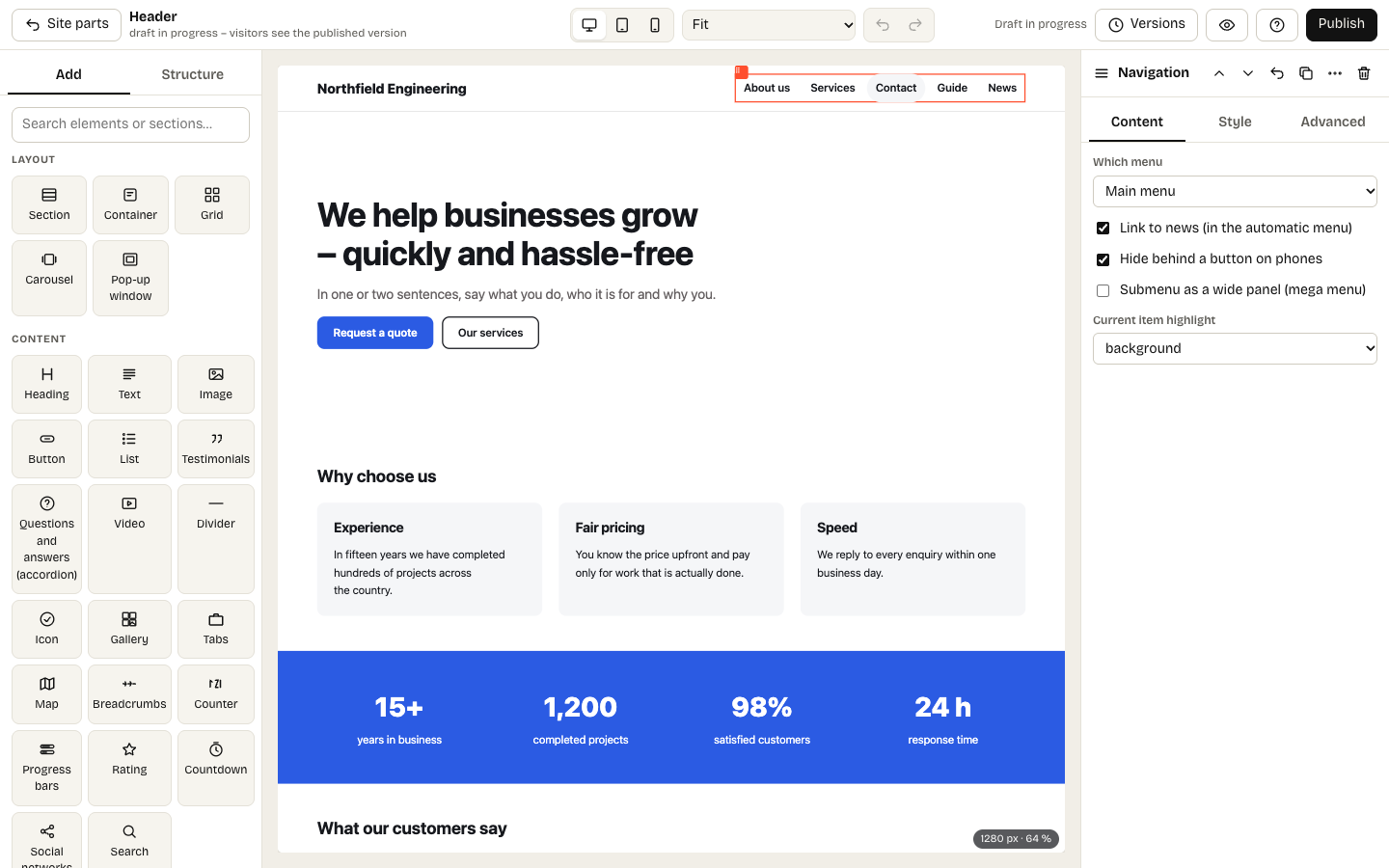
Editing the header in the builder
Appearance → Site parts (administrators only). Until you publish a part from the builder, the theme draws it.
Header and footer
They appear on every page. The Logo, Navigation (hidden behind a button on phones) and Company details elements fill themselves – you only place and style them.
Wrappers
Wrappers add sections around content the system assembles: a news item, the news list and the 404 page. The Page content element marks where the system inserts it.
Variants
For the header and footer choose Add variant, name it and tick the pages it is for. The variant applies only there. An empty variant hides the part – handy for a landing page without navigation.