
Administration
Move from WordPress.
Upload a WordPress export: posts become news, pages can go straight into the builder, images move to Media and old addresses redirect.
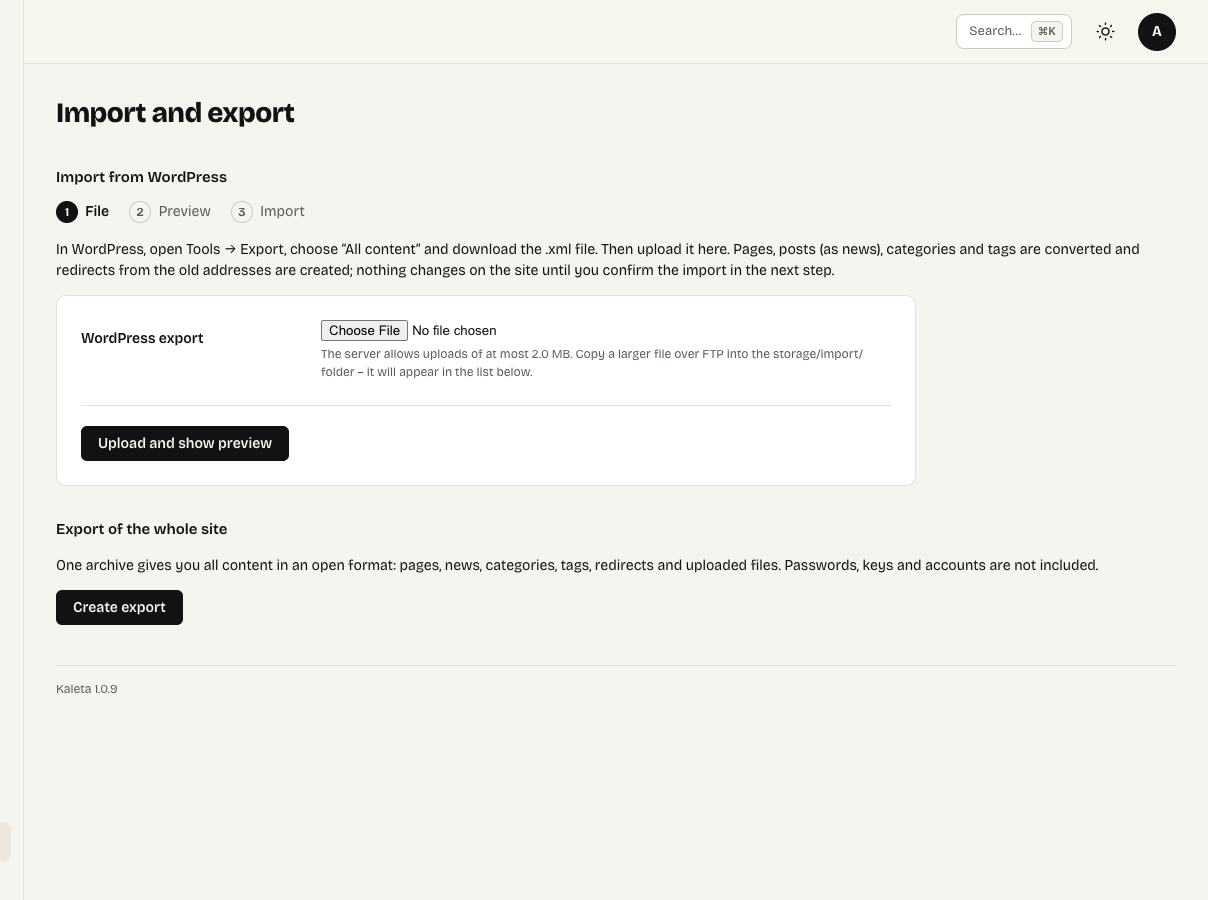
Administration → Import and export
Administration → Import and export → WordPress.
- In WordPress go to Tools → Export and download the XML file.
- Upload it in Kaleta and check the preview – it warns about shortcodes of plug-ins that cannot be converted.
- Run the import.
What happens
- Posts become news, categories and tags come along (nested categories are flattened).
- Pages become pages – optionally straight into the builder – hidden from navigation.
- Images are downloaded into Media.
- Redirects are created for all old addresses, including
/?p=123.
Comments and user accounts are not transferred; imported news belongs to whoever runs the import.
You can run the import again – whatever it already converted is skipped.