
Collections and search
Collections: fields and items.
Testimonials, team, products, branches, a price list – or a documentation section like this one. Define the fields once, then add items.
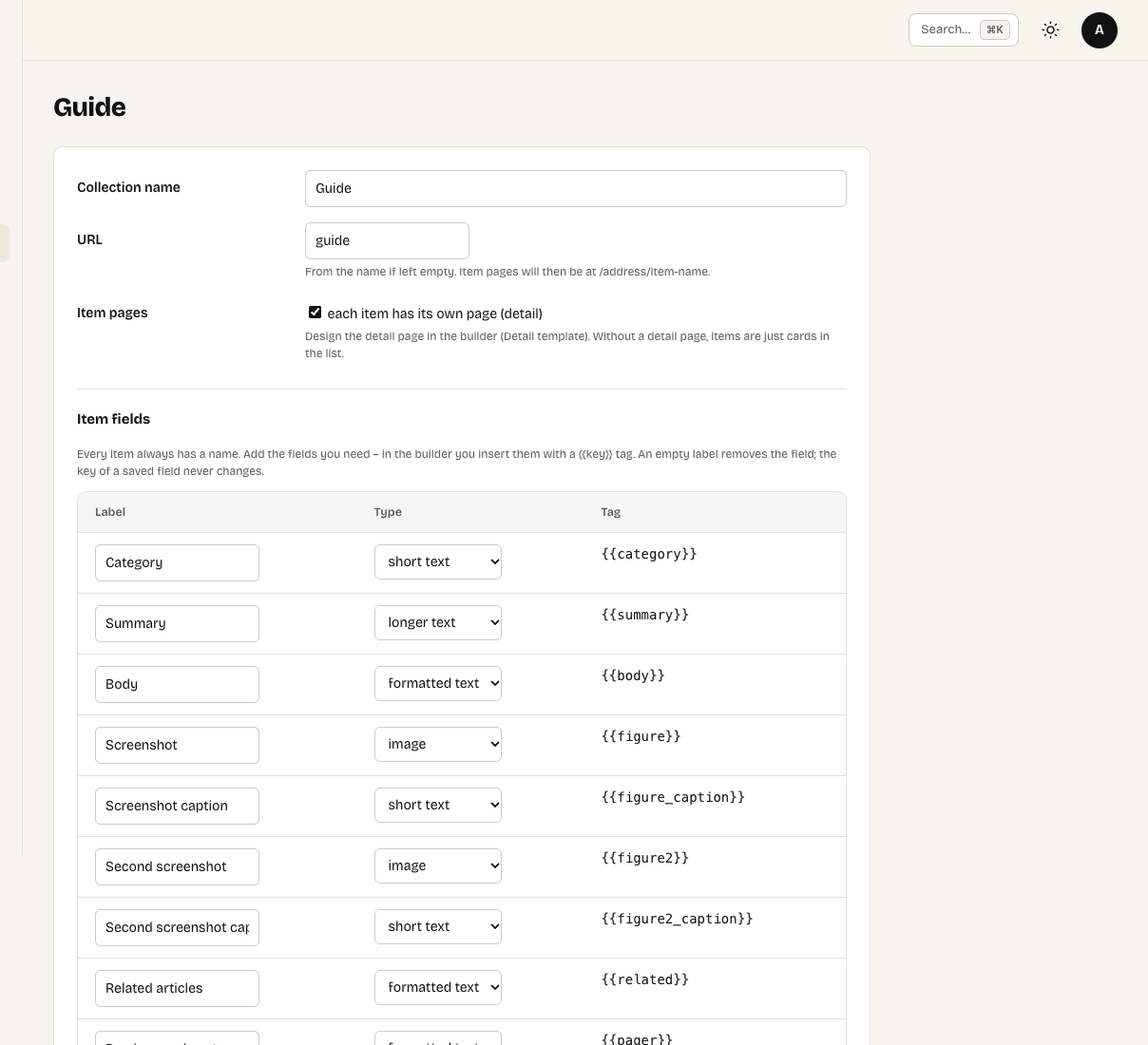
A collection with item pages on and its fields
Content → Collections are lists of similar things with their own fields. This guide itself is a collection: every article is an item with a category, summary, body and screenshots.
Create a collection
- Click New collection and give it a name, for example Team.
- URL – filled from the name if you leave it empty. With item pages on, items live at
/url/item-name. - Item pages – tick it when every item should have its own page (a product detail, an article). Without it, items are just cards in lists.
- Item fields – add the fields you need. Three empty rows appear each time you save, so save to add more (up to 30 fields).
| Field type | For |
|---|---|
| Short text | One line, up to 500 characters: a job title, a price label, a category. |
| Longer text | Plain text with line breaks, up to 5,000 characters. |
| Formatted text | Paragraphs, headings, lists, links and tables – cleaned like any rich text. |
| Image | A picture from Media. |
| Link | A web address, e-mail or phone link. |
| Number | Sorts as a number: prices, years, sizes. |
| Date | A date in the form YYYY-MM-DD. |
Each field gets a tag such as {{position}}, made from its label. The key of a saved field never changes, because item values are stored under it – rename the label freely.
Every item always has a name ({{nazev}}), its page address ({{url}}), the date it was created ({{datum}}) and its address part ({{seo}}).
Add items
Open the collection and click New item. Besides the fields, each item has a URL, an order (smaller comes first), a visible switch and a language on multilingual sites. Duplicate creates a hidden copy – the fastest way to add a similar item.
Who can do what
Only administrators change the collection definition and the detail template. Anyone with access to Collections (editors by default) adds and edits items. Claude can create and change collections, add items and build the detail template over MCP.
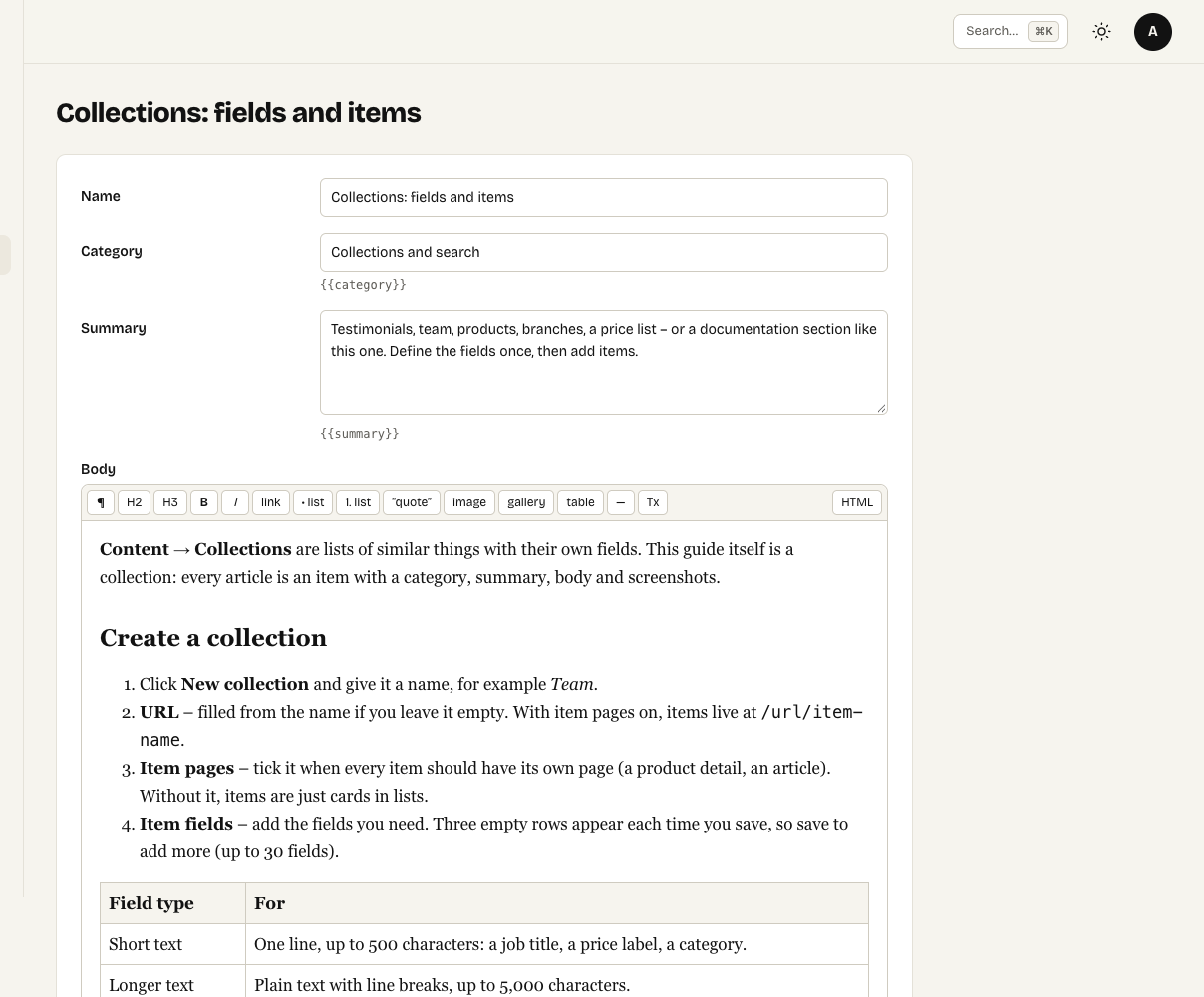
Editing an item: the fields of the collection plus order and visibility